SCADA Alarm Management: Cutting Nuisance Alarms the Right Way

If your SCADA system is generating more than 10 alarms per operator per hour during steady-state operation, you have a nuisance alarm problem. That 10-per-hour figure is not arbitrary: it comes from EEMUA Publication 191 and is echoed in ISA-18.2, the two standards that most of the industry now uses as benchmarks. Exceed it consistently and operators start doing exactly what you do not want: they silence everything, ignore the annunciator, and miss the one alarm that actually matters.
This post walks through the practical steps to audit your alarm system, classify what is actually a nuisance, and fix it without stripping out legitimate protection. You will find real configuration techniques, not just theory.
What the Standards Actually Say
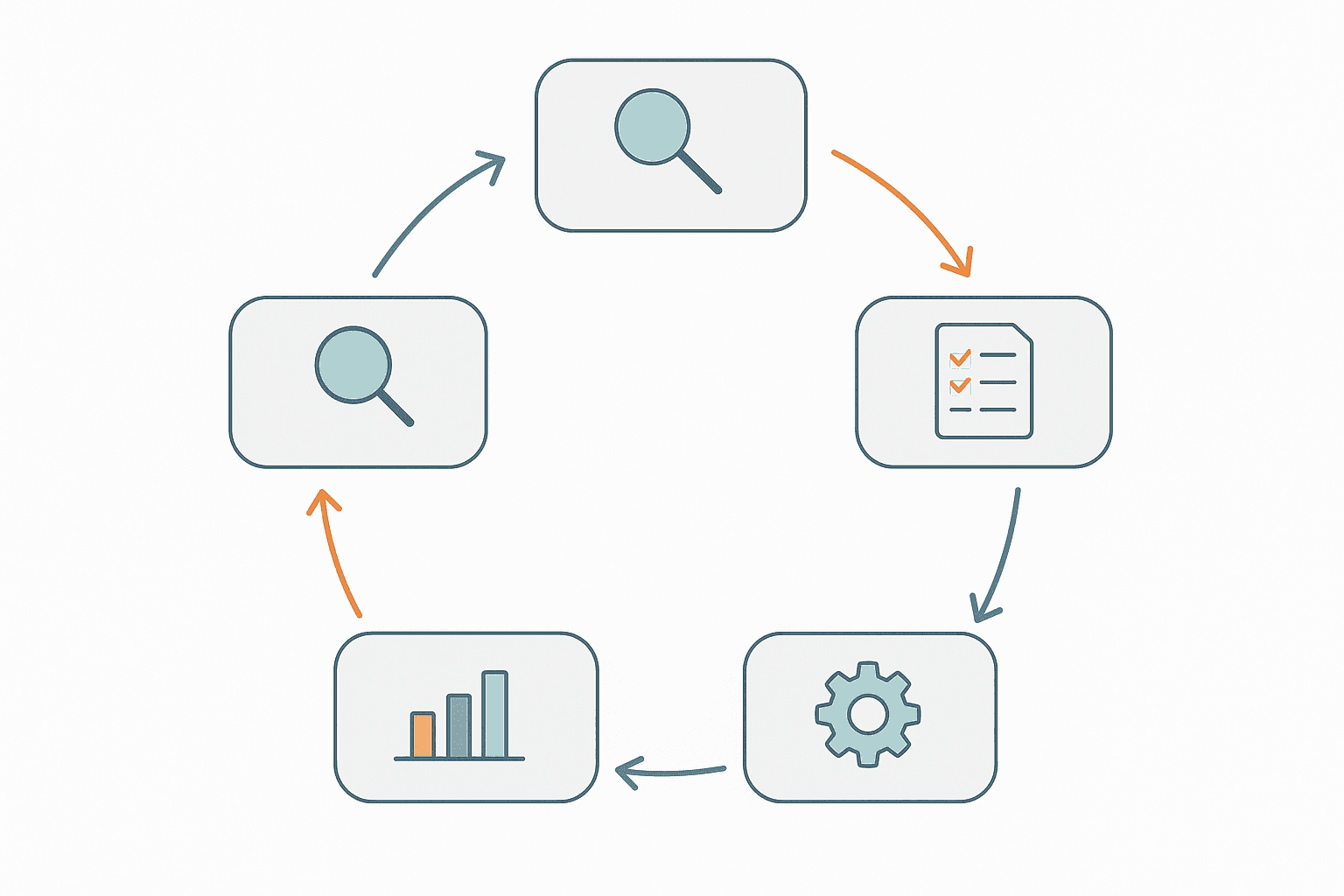
ISA-18.2 (Management of Alarm Systems for the Process Industries) and EEMUA 191 define a lifecycle for alarms: from identification and rationalisation, through configuration and implementation, to ongoing monitoring and audit. Both treat alarm management as a continuous process, not a one-time commissioning task.
| Metric | Overloaded (bad) | Manageable | Well-managed (target) |
|---|---|---|---|
| Alarms per operator per hour (steady state) | >10 | 5 to 10 | <5 |
| Alarms per operator per hour (peak 10 min) | >20 | 10 to 20 | <10 |
| % alarms chattering (>1 activation / 10 min) | >5% | 2 to 5% | <1% |
| Alarms shelved or suppressed permanently | >10% | 5 to 10% | <5% |
| Alarms with defined operator response | <50% | 50 to 80% | >95% |
These numbers only mean something if you measure them. Most modern SCADA platforms (Ignition, Wonderware, iFIX, Aveva System Platform, TIA Portal WinCC) have a built-in alarm historian. Pull a two-week export and count. Sort by alarm tag and frequency. The top 10 most frequent alarms almost always account for 50 to 80 percent of total alarm count. That is where you start.
SCADA Alarm Management: The Seven Nuisance Types
Before you fix anything, you need to name what you are dealing with. ISA-18.2 Annex B categorises nuisance alarms into patterns that recur across almost every plant I have worked on.
- Chattering alarms: A single tag repeatedly transitions in and out of alarm faster than an operator can respond. Classic cause is a process variable hovering at its setpoint with no deadband configured.
- Fleeting alarms: An alarm activates and clears in under 30 seconds, too fast to be actionable. Often caused by momentary transients on startup or shutdown.
- Stale or standing alarms: An alarm that has been active for hours or days. Operators learn to ignore it. The process is either not being fixed or the alarm setpoint is wrong.
- Flooding alarms: One root-cause event triggers 50 alarms simultaneously. A comms failure to a remote I/O rack is a typical culprit: every tag on that rack goes to bad quality and every one fires.
- Duplicate alarms: The same physical event reported by multiple tags at different levels (field device, PLC, SCADA) with no suppression logic between them.
- Mode-inappropriate alarms: An alarm that is valid in production but not during startup, shutdown or maintenance modes. If it is not suppressed in those modes, it is noise.
- Poorly set-pointed alarms: Setpoints that were guessed during commissioning and never revisited. A high-temperature alarm on a motor set 5 degrees above ambient will fire every summer afternoon.
Deadband and On-Delay: The Fastest Fixes
If you only do two things, do these. They cost almost nothing and often cut alarm rates by 30 to 50 percent on a first pass.
Deadband (Hysteresis)
A deadband prevents an alarm from clearing until the process variable has moved a defined amount back inside the safe zone. Without it, a PV sitting at exactly the alarm setpoint will chatter with every scan. The right deadband depends on process dynamics. For a tank level alarm at 90% with a process that drifts slowly, a 2% deadband is fine. For a pressure signal with 0.5% measurement noise, you might need 3 to 5%. Check the noise band on your historian trend first, then set the deadband to at least 2x that noise amplitude.
On-Delay (Time In Alarm)
Most SCADA packages call this an on-delay, time-in-alarm filter, or alarm delay. The alarm only activates if the condition persists for a set time, typically 2 to 10 seconds for analogue process alarms. This kills fleeting alarms stone dead. Do not set it too long on safety-critical alarms: a 30-second delay on a high-high pressure alarm could be catastrophic. Reserve longer delays for diagnostic and status alarms that have no safety implication.
Alarm Shelving vs Alarm Suppression: Know the Difference
These two terms get used interchangeably on sites, but they are not the same thing and the difference matters for your audit.
- Shelving is operator-initiated and time-limited. An operator shelves a known nuisance alarm for, say, 8 hours while maintenance works on the instrument. It automatically unshelves. ISA-18.2 requires that shelved alarms are tracked and reviewed if they exceed a site-defined time limit.
- Suppression (or out-of-service) is engineering-initiated and typically indefinite until manually re-enabled. It is appropriate during planned maintenance or when a transmitter is physically removed. It must be logged and audited.
- Design suppression is logic-driven: the SCADA or PLC suppresses an alarm automatically based on a plant state, such as a low-level alarm being suppressed when the pump feeding that vessel is in manual mode. This is the most powerful technique and the least abused one.
The problem sites have is chronic shelving: operators shelving the same alarm every shift because no one has fixed the root cause. Your alarm historian should flag any alarm that has been shelved more than three times in 30 days. That alarm needs engineering attention, not another shelve.
Alarm Rationalisation: The Process You Cannot Skip
Rationalisation means sitting down with an operator, a process engineer, and the alarm database and answering three questions for every alarm tag:
- What is the process hazard or abnormal condition this alarm is detecting?
- What action should the operator take when it fires, and in what time window?
- Is the current setpoint, priority and classification correct for that response?
If you cannot answer question 2, the alarm should not exist or should be downgraded to an event (a logged notification with no annunciation). A lot of plants have hundreds of alarms that are really just events: motor running, valve opened, recipe loaded. Those should never have been in the alarm system.
Document the outcome in an Alarm Rationalisation Database (ARD), sometimes called an alarm master database. At minimum, each row has: tag name, alarm description, cause, consequence, operator response, response time, priority, setpoint, deadband, on-delay, and suppression conditions. This becomes the source of truth. Every configuration change in the SCADA goes through this document.
Priority Assignment: Stop Using Critical for Everything
EEMUA 191 recommends a three-tier priority scheme: Critical (immediate action, less than 1 minute), High (prompt action, 5 to 10 minutes), and Low (action required, but time is not critical). Some sites add an Advisory level below that.
The mistake I see everywhere is priority inflation. Engineers set everything to Critical because they do not want to be blamed if something goes wrong. The result is an operator who sees 40 Critical alarms in a flood and has no idea which one to act on first. A properly rationalised system should have no more than 5 percent of alarms at the Critical level.
Flood Suppression: Handling Cascade Alarms
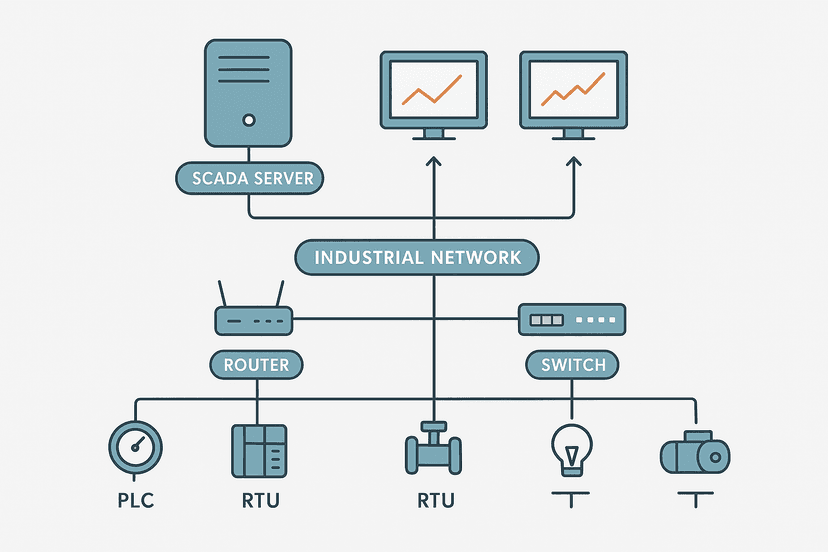
An alarm flood is defined in ISA-18.2 as more than 10 alarms in a 10-minute period. They almost always have a single root cause. When a PLC loses comms to a remote I/O chassis, every tag on that chassis reports bad quality and every alarm configured on those tags fires at once. That is 50 alarms that all say the same thing: the I/O link is down.
The fix is first-out logic combined with consequence suppression. Configure one alarm for the comms fault itself (the root cause). Then configure all the downstream alarms on that chassis to be suppressed when the comms-fault alarm is active. The operator sees one alarm: 'Remote I/O chassis 3 comms lost'. That is actionable. Fifty individual tag alarms are not.
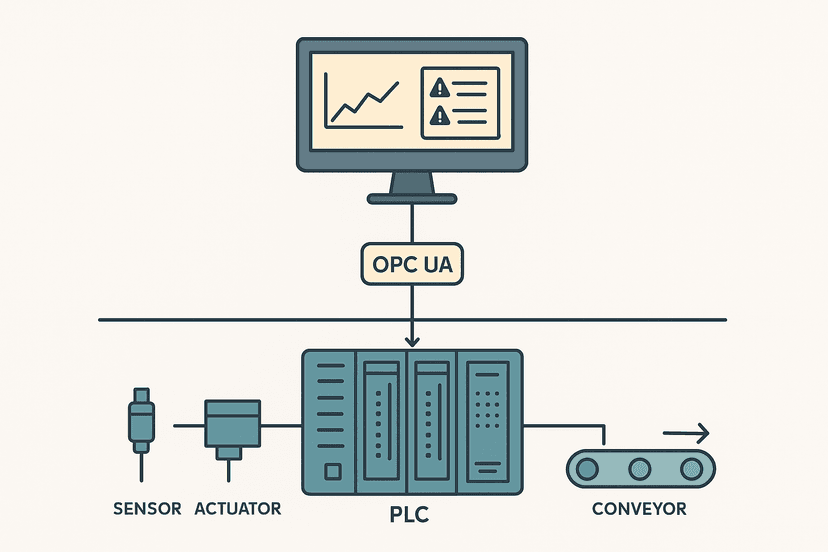
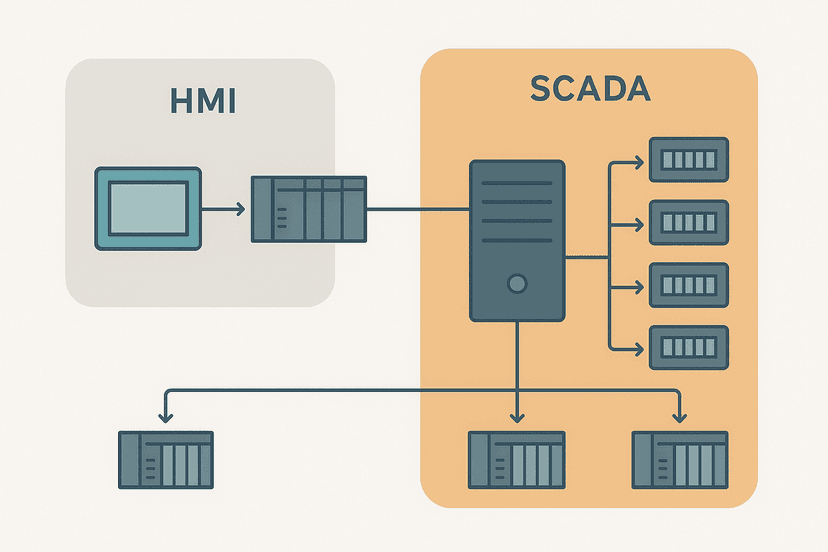
This requires coordination between your PLC program and SCADA configuration. The PLC needs to expose a comms-health bit per I/O station, which your SCADA uses as a suppression condition for all alarms on that station. Most Rockwell, Siemens and CODESYS platforms produce this bit automatically. You just have to map it and use it. For more on how SCADA and PLC layers divide responsibility, SCADA vs PLC: How They Work Together on the Plant Floor covers that boundary in detail.
State-Based Alarming
State-based alarming means the active alarm set changes with the plant operating mode. A low-flow alarm on a feed pump is valid in production mode. During startup, before the pump has ramped up, it is noise. During a controlled shutdown, it is irrelevant.
Implement this by passing the current plant state (typically an integer tag: 0=off, 1=startup, 2=run, 3=shutdown, 4=maintenance) from the PLC to the SCADA. Then configure each alarm with mode-specific suppression. Ignition Alarm Pipelines, Wonderware Alarm Groups, and Aveva System Platform all support this natively. In simpler systems you can do it with a suppression tag driven by a comparison expression.
Measuring Progress: KPIs to Track After Changes
You cannot manage what you do not measure. After any rationalisation or configuration change, run your alarm historian metrics for four weeks and compare against the pre-change baseline. The KPIs to track:
- Average alarms per operator per hour (steady state and peak)
- Top 10 most frequent alarm tags (the bad actor list)
- Percentage of alarms acknowledged within response time target
- Number of alarms shelved or in out-of-service state
- Number of alarm floods per week
- Percentage of alarms at each priority level
Most SCADA platforms can generate these reports automatically. If yours cannot, a simple export to a spreadsheet and a pivot table will get you 90 percent of the way there. Do this monthly. Alarm systems drift back toward chaos without ongoing attention. New alarms get added, setpoints get tweaked, and within a year you are back where you started.
A Realistic Timeline for a Rationalisation Project
For a mid-sized plant with 500 to 1000 alarm tags, expect this kind of effort:
| Phase | Activity | Typical Duration |
|---|---|---|
| 1. Baseline audit | Extract 4 to 8 weeks of alarm history, calculate KPIs, identify bad actors | 1 to 2 weeks |
| 2. Quick wins | Apply deadband and on-delay to top 20 chattering alarms, delete obvious events | 1 week |
| 3. Rationalisation workshops | Review every alarm with operator + process engineer, update ARD | 4 to 8 weeks |
| 4. Configuration changes | Implement setpoint, priority, suppression and state-based changes in SCADA | 2 to 4 weeks |
| 5. Validation | Confirm KPIs have improved, test flood suppression scenarios | 1 to 2 weeks |
| 6. Ongoing | Monthly KPI review, quarterly bad-actor review, change management process | Continuous |
The rationalisation workshops are where projects stall. Engineers want to add alarms, not remove them. Keep the focus on the operator response question: if no one can describe what the operator should do in a specific timeframe, that alarm does not belong in the annunciated set.
Frequently asked questions
What is the acceptable alarm rate per operator according to ISA-18.2?
What is the difference between alarm shelving and alarm suppression in SCADA?
How do I stop one fault from generating 50 alarms at once?
What is a chattering alarm and how do I fix it?
What is state-based alarming in SCADA?
Do I need to follow ISA-18.2 for my SCADA alarm system?
Learn this by building it
There is a PLC in this site. It runs a real scan engine, checks your logic against the same tests a working machine would fail, and needs no download and no account.
Open the exercisesFree, no signup, runs in your browser. See all 16 exercises.
Was this helpful?