S7-1200 Timers in TIA Portal: TON, TOF and TONR
S7-1200 timers trip people up in a specific way: the hardware is familiar, but the IEC timer model is meaningfully different from the old S5 timers or even from Rockwell TON blocks. If you have come from a Logix or older SIMATIC background, the instance DB requirement alone can catch you off guard. This post walks through TON, TOF and TONR on the S7-1200, with real TIA Portal configuration details, ladder and Structured Text examples, and the mistakes that actually happen on first commissioning.
What Are S7-1200 Timers?
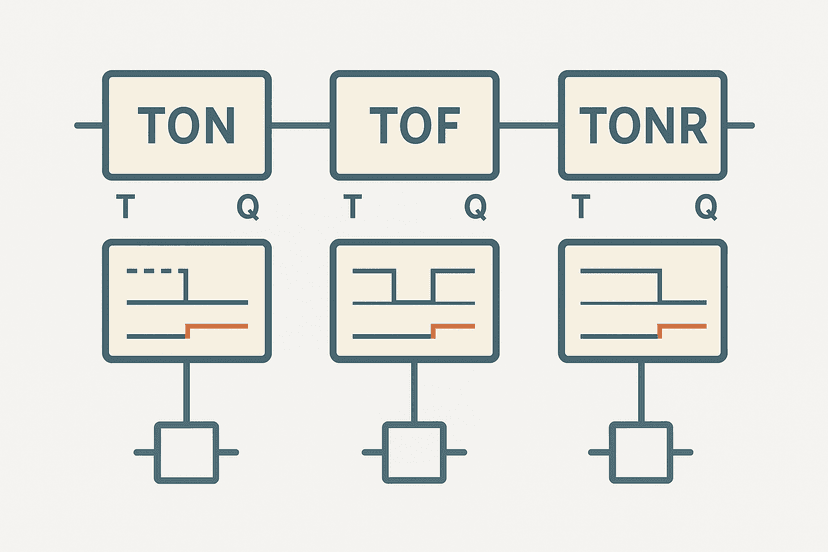
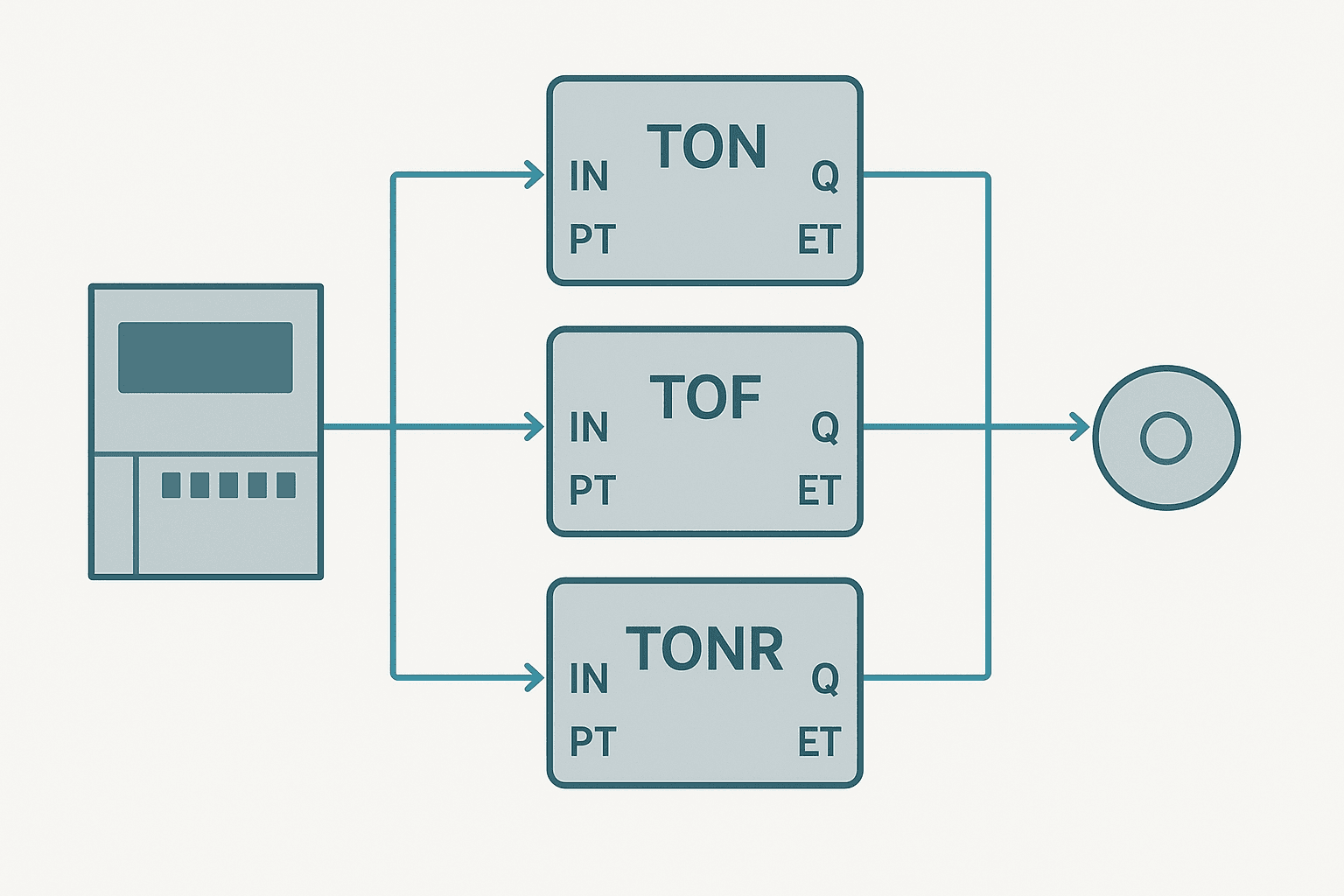
S7-1200 timers are IEC 61131-3 compliant function blocks built into TIA Portal. Each timer instance (TON, TOF or TONR) stores its own state in a dedicated block of memory called an instance data block. The three timer types share the same pin set: an IN boolean input, a PT time preset, a Q boolean output and an ET elapsed-time output. What changes between them is the trigger logic that drives Q.
TON, TOF and TONR: What Each One Actually Does
| Timer | Q goes TRUE when... | Q resets when... | ET resets when... |
|---|---|---|---|
| TON (on-delay) | IN has been TRUE for >= PT | IN goes FALSE | IN goes FALSE |
| TOF (off-delay) | IN goes TRUE (immediately) | IN goes FALSE AND elapsed >= PT | IN goes TRUE again |
| TONR (accumulating) | accumulated time >= PT | R input goes TRUE | R input goes TRUE |
TON is the timer you will use 80% of the time: start delay, debounce, minimum run time. TOF is the go-to for anything that needs to run on after its trigger disappears, such as a cooling fan that keeps spinning for 30 seconds after the motor stops. TONR is the accumulating timer, and it is genuinely useful when you need to track run hours or measure total cycle time across multiple short bursts. I covered the broader differences between these three in TON, TOF and TONR Timers: What Actually Differs, so check that post if you want the concept-level comparison. Here we stay focused on how to actually configure them on the S7-1200.
Instance DBs: Why Every Timer Needs Its Own Memory
This is the single concept that separates S7-1200 timers from what most people learned first. On older Siemens hardware you had T1, T2... T255 as shared timer registers. On the S7-1200, every TON, TOF or TONR is a function block instance. That means it needs its own memory structure to hold IN, Q, ET and PT between scans.
TIA Portal handles this automatically in two ways depending on where you place the timer:
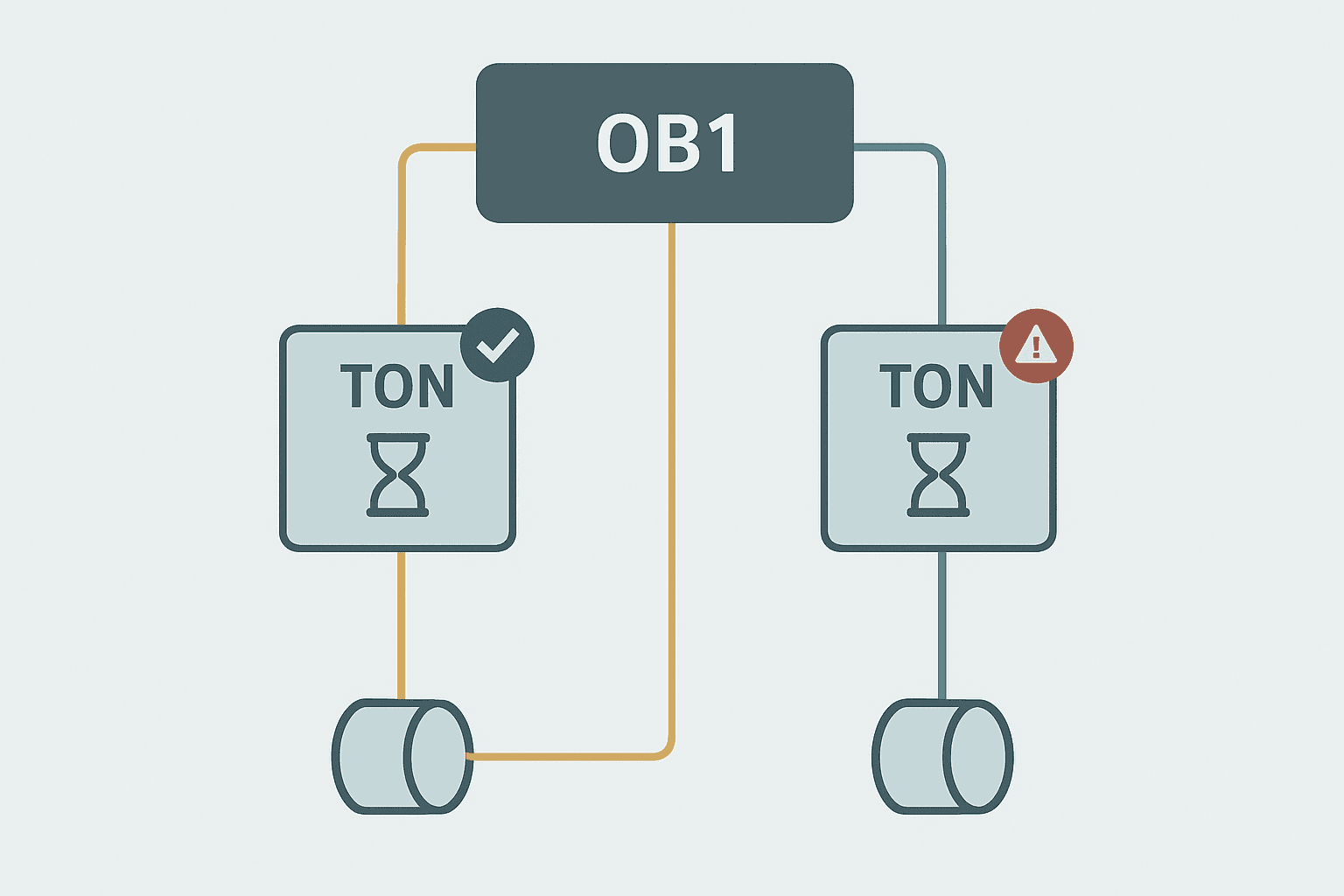
- In an OB (organisation block): TIA Portal creates a single-instance DB automatically when you compile. You assign it a name like
Conveyor_StartDelayand TIA Portal generatesConveyor_StartDelay_DBin the background. - Inside an FB (function block): Declare the timer as a static variable in the FB interface with type TON, TOF or TONR. The timer data lives inside the calling FB's own instance DB. No separate DB is created. This is the cleaner approach for reusable code.
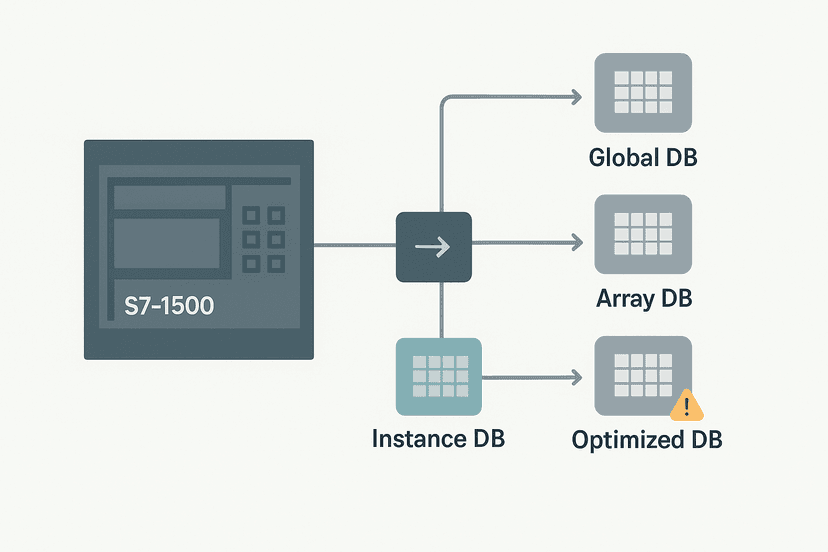
Understanding this also explains why you cannot just copy a rung with a timer and expect it to work independently. The copy references the same instance DB unless you explicitly assign a new one. That is a real source of bugs when engineers paste rungs and forget to rename the timer instance. If you want to understand the DB types in depth, the TIA Portal Data Blocks post and the S7-1200 Data Blocks: Global vs Instance DB guide cover exactly that.
Preset Syntax: T# Literals and HMI-Adjustable Presets
The PT input expects a value of type TIME. The most common approach is a T# literal directly on the block pin. Examples:
T#5s= 5 secondsT#500ms= 500 millisecondsT#2m30s= 2 minutes 30 secondsT#1h= 1 hour
If the operator needs to adjust the preset from an HMI, declare a TIME-type tag in a global DB (for example GDB_Params.ConveyorStartDelay of type TIME) and wire that tag to the PT pin instead of a literal. Then link the same tag to an HMI numeric input. Make sure your HMI tag mapping is correct before you go live, because a TIME tag linked to the wrong address will silently write a nonsense preset. The HMI Tag Linking post has good detail on getting that mapping right.
TON Timer in Ladder: Conveyor Start Delay
Here is a typical TON application: a conveyor motor must not start until a guard door has been closed and confirmed for at least 2 seconds. This prevents chattering contacts from triggering a start.
S7-1200 TON: 2-Second Guard Door Confirm Before Conveyor Start. Ladder logic (4 rungs): Rung 0: examine if Guard_DoorClosed is on (XIC), then examine if Sys_Ready is on (XIC), then TON on Door_Confirm. Rung 1: examine if Door_Confirm.Q is on (XIC), then examine if Estop_Active is off (XIO), then energize output Conveyor_StartEnable (OTE). Rung 2: examine if Conveyor_StartEnable is on (XIC), then examine if HMI_StartCmd is on (XIC), then latch output Conveyor_Run (OTL). Rung 3: examine if HMI_StopCmd is on (XIC), then unlatch output Conveyor_Run (OTU). Guard_DoorClosed and Sys_Ready both must be true for 2 continuous seconds before Door_Confirm.Q energises. Any door open resets ET to zero immediately. Conveyor_StartEnable gates the HMI start button, and an OTL/OTU latch holds the run state.
In TIA Portal ladder, the TON block appears as a box with IN, PT, Q and ET pins visible on the rung. You assign the instance name (Door_Confirm) in the block header. TIA Portal will prompt you to create the instance DB on first compile.
TOF Timer in Structured Text: Fan Purge After Motor Stop
TOF is easier to show in ST because the logic is concise. This example runs a panel extraction fan for 45 seconds after the main motor stops, a common requirement on motor control panels to clear heat.
// Static variable declared in FB interface:
// Purge_Timer : TOF;

// Network 1 - TOF fan purge
Purge_Timer(IN := Motor_Running,
            PT := T#45s);

Fan_Output := Purge_Timer.Q;

// Network 2 - Elapsed time to HMI
HMI_FanPurgeET := Purge_Timer.ET;
When Motor_Running is true, Purge_Timer.Q is immediately true and the fan runs. When Motor_Running drops false, the timer starts counting. After 45 seconds Q drops false and the fan stops. ET counts up during the purge so the HMI can show remaining purge time (you would calculate T#45s - ET for a countdown display). This is a much cleaner pattern than trying to do it with a TON and extra latching logic.
TONR: Accumulating Run Time Across Multiple Starts
TONR is the timer most engineers forget exists until they actually need it. I used it on a press application where a maintenance alarm needed to fire after the press had accumulated 8 hours of actual cycle time, not calendar time. The press ran for short bursts all day with long idle periods between them. A TON would reset every time the press stopped. TONR held the elapsed time across every stop.
// Static variables in FB interface:
// RunAccum : TONR;
// Maint_Due : BOOL;

// Network 1 - Accumulate press cycle time
RunAccum(IN := Press_Cycling,
         R  := HMI_MaintReset,
         PT := T#8h);

// Network 2 - Latch maintenance alarm
IF RunAccum.Q AND NOT Maint_Due THEN
    Maint_Due := TRUE;
END_IF;

IF HMI_MaintReset AND NOT Press_Cycling THEN
    Maint_Due := FALSE;
END_IF;

HMI_AccumTime := RunAccum.ET;
The R input on TONR is the only way to reset ET. Setting IN false does nothing to ET. That is the defining characteristic of TONR and the part that people get wrong when they try to reset it by just dropping the IN signal.
Common Mistakes on S7-1200 Timer Commissioning
- Duplicate instance names: Copying a rung in ladder and not renaming the timer instance. Both rungs now share one DB, so one timer controls both outputs. TIA Portal does not always warn you clearly about this.
- Wrong time base assumption: Engineers from Rockwell backgrounds sometimes assume the preset is in seconds. On the S7-1200, T#5 without a unit suffix is not valid. You must always include the unit: T#5s, T#500ms, etc.
- Forgetting to initialise ET on HMI: Linking ET to an HMI display without accounting for the TIME format. ET is a signed 32-bit millisecond value. If your HMI expects seconds, you need a conversion or a scaling tag.
- TONR reset logic missing: Using TONR for accumulation but never wiring the R input, so the timer can never be reset. ET climbs to PT, Q latches true and stays there forever.
- Timer inside an OB with a reused name: Placing a timer in OB1 with a generic name like
Timer1across multiple projects. When the project is merged or a library block is reused, name collisions cause compilation errors that take time to untangle.
Reading ET on the HMI and in Online Monitoring
TIA Portal's online monitoring shows ET as a TIME value (for example T#1s_350ms). That is fine for debugging, but HMI displays usually need it as a number. The cleanest approach is to create an INT or REAL tag in the same instance DB and calculate the display value in the PLC: HMI_RemainingMs := TIME_TO_DINT(PT) - TIME_TO_DINT(ET). The PLC Troubleshooting with Online Monitoring post covers how to watch timer values live in TIA Portal, which is a fast way to verify your preset and elapsed time are behaving as expected.
For S7-1200 analog inputs feeding a process where you need to compare elapsed time against a measured value, keep the time arithmetic in the PLC and pass only display-ready integers to the HMI. It keeps the HMI screen logic simple and avoids type mismatch errors in the HMI tag configuration.
Timers in Reusable FB Libraries
If you are building a reusable FB for a machine type (say, a standard conveyor drive FB), declare your timers as static variables in the FB's own interface rather than creating global instance DBs. When the FB is called multiple times (one per conveyor axis), each call gets its own instance DB automatically. This is exactly the pattern described in S7-1200 Data Blocks: Global vs Instance DB Explained. For Structured Text in TIA Portal, the ST syntax for calling the timer inside the FB is identical to the examples above.
This approach also makes the code portable across projects. Drop the FB into a new project, call it with a new instance DB name, and every timer inside resets cleanly with no DB naming conflicts. It is a much better practice than scattering global timer DBs across a project tree.
Keep Learning
Now that you have TON, TOF and TONR working on the S7-1200, the natural next step is understanding how to structure bigger programs using function blocks and data blocks. The TIA Portal Data Blocks: DB Types and When to Use Each post explains when to reach for a global DB versus an instance DB, and Structured Text in TIA Portal: A Practical Guide shows how to write the same timer logic in ST if you prefer that over ladder. If you want to practice timer logic in a full machine sequence, try working through the PLC Bottle Filling Machine project, which uses multiple timers in a realistic fill-and-count application.
Was this helpful?