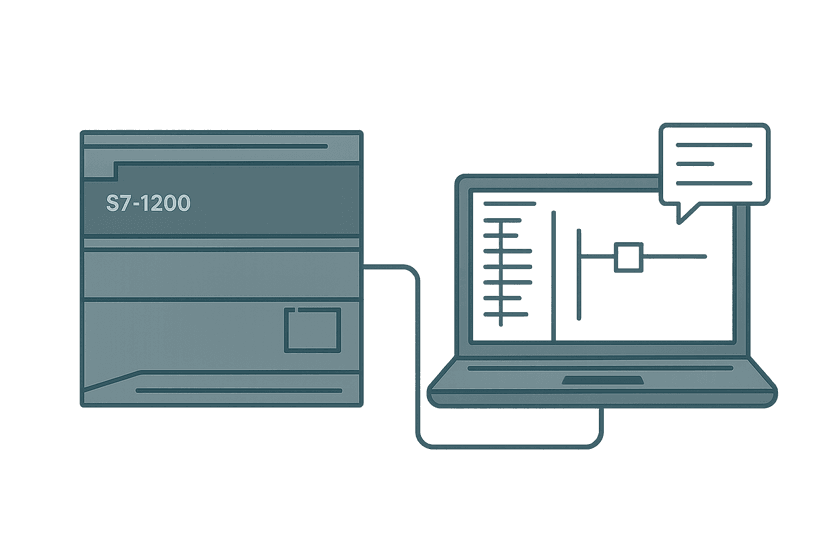
TIA Portal Function Blocks: FB, DB and Instance Data
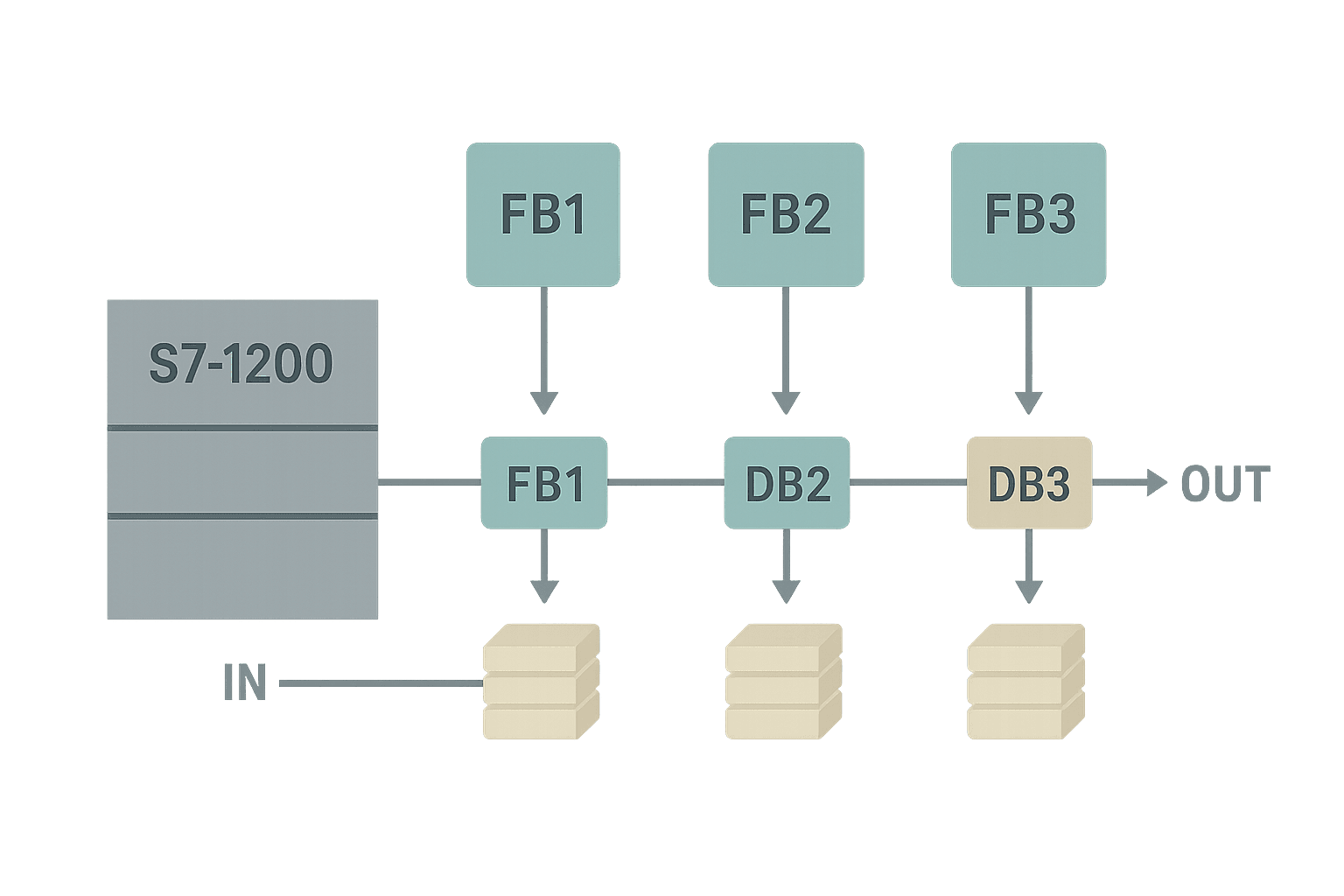
If you have spent any time with TIA Portal you have probably already built a few Function Blocks (FBs). But there is a big gap between dropping an FB onto a network and actually understanding how FB parameters, static variables and Instance Data Blocks fit together. That gap is where bugs live. This post closes it.
What Is a TIA Portal Function Block?
A TIA Portal Function Block (FB) is a reusable code module that keeps its own persistent memory between scan cycles via a paired Instance Data Block (DB). Unlike a Function (FC), which forgets every local value the moment it finishes executing, an FB stores state in its Instance DB so it can track timers, accumulate values and hold mode flags across multiple scans. You write the logic once in the FB, then call it as many times as you need, each call with its own dedicated Instance DB, giving you independent data per motor, valve or zone with zero copy-paste.
FC vs FB: When the Difference Actually Matters
An FC is stateless. Pass it two integers and it returns a result, done. Perfect for math, scaling or conversion routines. If you are building 4-20 mA scaling logic that just maps raw counts to engineering units, an FC is the right tool. The moment your code needs to remember something between scan cycles (a timer accumulator, a step index, a fault latch) you need an FB. The IEC 61131-3 distinction is the same: FC equals stateless, FB equals stateful.
| Property | Function (FC) | Function Block (FB) |
|---|---|---|
| Persistent memory | None | Instance DB |
| Timers / counters inside | No (external only) | Yes, as STAT variables |
| Multiple instances | N/A | Yes, one DB per call |
| Typical use | Math, conversions, FC chains | Motors, valves, zones, sequences |
| HMI can read internals | No | Yes, via DB address |
The FB Interface: IN, OUT, IN_OUT and STAT
Open an FB in TIA Portal and the first thing you see is the interface table above the code editor. Four sections matter most:
- IN parameters are inputs to the FB. Inside the FB body they are read-only. Pass a Bool, Int, Real or even a UDT here. The caller supplies the value on every call.
- OUT parameters are outputs from the FB. The FB writes to them; the caller reads the result. They are not stored between scans (they are refreshed every time the FB executes).
- IN_OUT parameters pass a reference in both directions. The FB reads and can overwrite the same memory location the caller pointed at. Use these for handshake bits or values the FB both reads and updates.
- STAT (static) variables exist only inside the Instance DB. They persist between scans and between calls. Timers, step counters, accumulated values and internal fault latches all belong here.
- TEMP variables are local scratch space, exactly like FC locals. They are allocated on the L-stack and gone when the FB exits.
Creating an FB and Its Instance DB Step by Step
- In the Project Tree, right-click Program Blocks and choose Add New Block. Select Function Block, name it (e.g. FB_PumpControl), choose your language (LAD, FBD or SCL) and confirm.
- In the FB interface table, add your IN, OUT, STAT and TEMP variables. Give them meaningful names and data types. Add initial values for STAT variables that need a known default at first download.
- Write your logic in the code editor. Reference interface variables by name, not by absolute address.
- Go to OB1 (or whatever calling block you want). Drag FB_PumpControl onto an empty network. TIA Portal immediately asks you to create or select an Instance DB. Click OK to auto-create DB_Pump_A.
- Wire the IN and OUT pins to actual tags or memory. Compile. If TIA Portal reports an interface mismatch on an existing DB, open that DB, right-click and choose Update block interface.
Calling the Same FB Multiple Times
This is where FBs pay off. Say you have written FB_PumpControl once and it handles start permissives, a run-confirm timeout and a fault latch. Drop it onto a second network in OB1, point it at a new Instance DB (DB_Pump_B), and wire up different I/O tags. Pump A and Pump B now run identical logic but maintain completely separate state. Change the FB logic once and both pumps get the fix after the next download. On a large water treatment project I worked on, we had one FB_ValveControl called 34 times. Debugging a seal-lag timeout meant fixing one block, not 34.
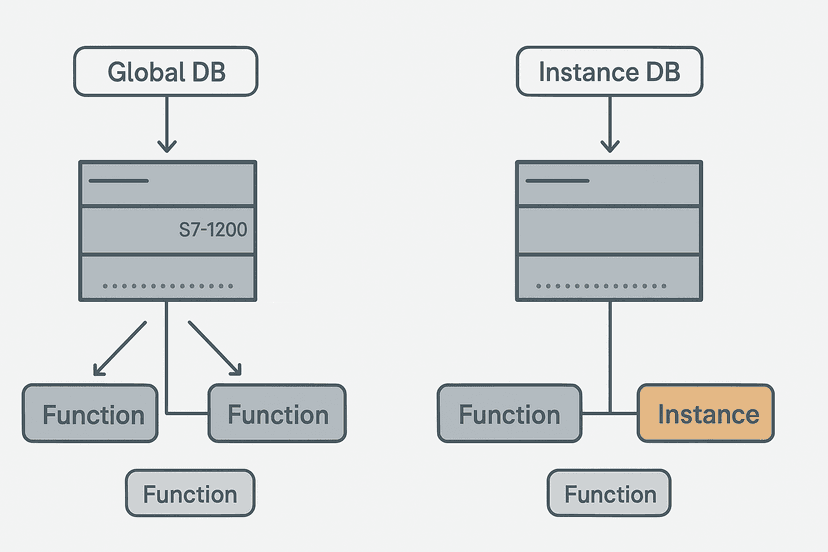
You can read about the Global DB vs Instance DB distinction for the full picture of when each type fits. The short version: Global DBs hold shared data. Instance DBs are private to the FB they serve.
Multi-Instance DBs: One DB to Host Several Children
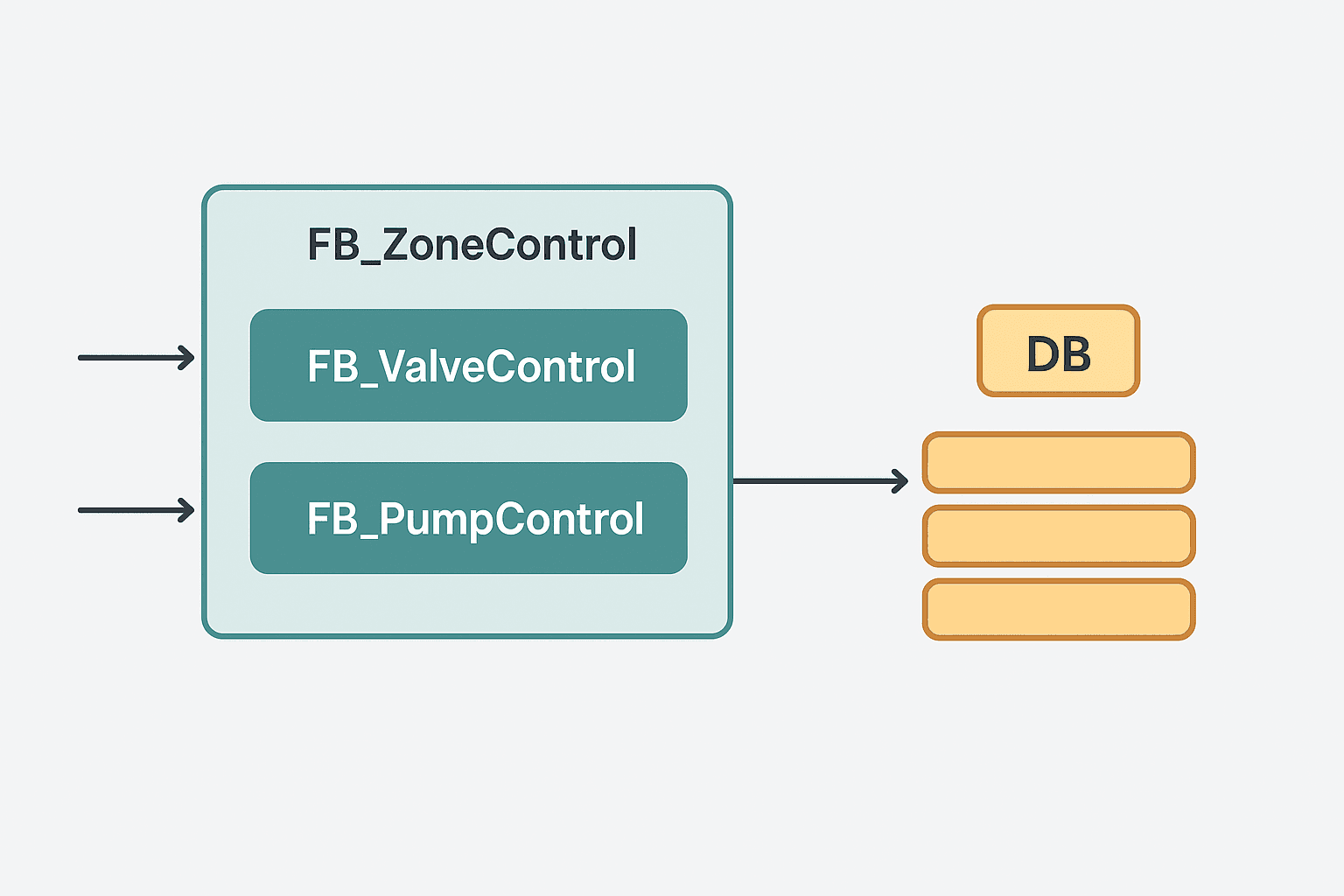
If FB_ZoneControl calls FB_PumpControl and FB_ValveControl internally, you do not have to create separate Instance DBs for those child FBs. Instead, declare them as STAT variables inside FB_ZoneControl:
// STAT section of FB_ZoneControl
InletValve  : FB_ValveControl;   // child FB, stored inside parent DB
FeedPump    : FB_PumpControl;    // child FB, stored inside parent DB
StepIndex   : INT := 0;
FaultLatch  : BOOL := FALSE;
TIA Portal nests InletValve's and FeedPump's data inside FB_ZoneControl's single Instance DB. This is a Multi-Instance DB. The child FB data lives at a sub-struct of the parent DB. You call the child FBs using the STAT variable name as the instance reference. The result: one DB per zone instead of three, and the project DB list stays manageable. The TIA Portal DB types overview explains how this maps to memory.
Setpoints: Static Section or Global DB?
This question comes up on every project. If a setpoint is unique per instance (Pump A's run-confirm timeout is 4 s, Pump B's is 6 s) put it in the STAT section with an initial value. The HMI can write to it via DB_Pump_A.RunConfirmTimeout. If the same setpoint applies site-wide (a global high-pressure limit shared by all pumps), put it in a Global DB and pass it as an IN parameter. Mixing these up leads to one of the most confusing bugs in S7 code: you update what you think is a site-wide limit but only one instance changes.
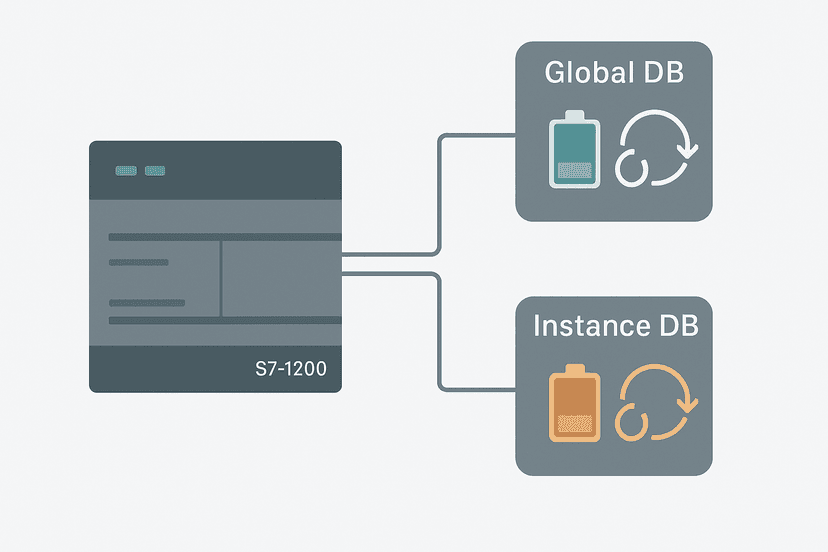
For retain behaviour, check the TIA Portal DB Retain and Re-Initialization guide. Any STAT variable that must survive a power cycle needs the Retain attribute set in the FB interface. If you mark the entire Instance DB as Retentive in the DB properties instead, every variable in it becomes retentive, which is sometimes not what you want.
A Real FB Example: Motor Control in SCL
Here is a stripped-down but real FB_MotorControl in SCL. It handles a start permissive, a run-confirm timer and a latched fault. This is the kind of block you write once and reuse for every motor on the line. If you want to try similar logic in the interactive ladder editor, the mode-select exercise and state-fault coil exercise cover related patterns.
FUNCTION_BLOCK FB_MotorControl
VAR_INPUT
    StartCmd    : BOOL;
    StopCmd     : BOOL;
    RunFeedback : BOOL;
    FaultAck    : BOOL;
    ConfirmTime : TIME := T#4S;
END_VAR
VAR_OUTPUT
    MotorOut    : BOOL;
    FaultActive : BOOL;
END_VAR
VAR
    RunLatch    : BOOL;
    ConfirmTON  : TON;
    FaultLatch  : BOOL;
END_VAR

// Start / stop latch
IF StartCmd AND NOT StopCmd AND NOT FaultLatch THEN
    RunLatch := TRUE;
END_IF;
IF StopCmd THEN
    RunLatch := FALSE;
END_IF;

// Run-confirm timer
ConfirmTON(IN := RunLatch AND NOT RunFeedback,
           PT := ConfirmTime);

// Fault latch on confirm timeout
IF ConfirmTON.Q THEN
    FaultLatch := TRUE;
    RunLatch   := FALSE;
END_IF;

// Fault reset
IF FaultAck AND NOT ConfirmTON.Q THEN
    FaultLatch := FALSE;
END_IF;

// Outputs
MotorOut    := RunLatch;
FaultActive := FaultLatch;
END_FUNCTION_BLOCKGotchas That Bite in the Field
- Interface changes invalidate the DB silently. Add a variable to the FB interface, forget to update the Instance DB and the PLC compiles but writes to the wrong offset at runtime. Always right-click the DB and choose Update Block Interface after any FB interface change.
- Passing large UDTs by value through IN_OUT costs scan time. For big structures, pass a reference (pointer or symbolic address). On S7-1500 you can use REF_TO; on S7-1200, design the FB so the UDT lives in the STAT section instead.
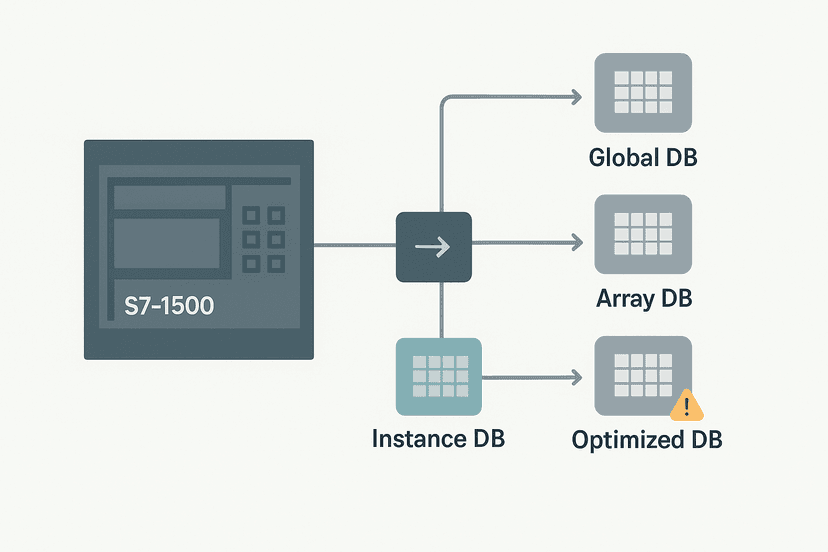
- Optimised vs standard access DB. By default, new DBs in TIA Portal V14 and later are optimised (symbolic-only). If you need absolute addressing for legacy HMI drivers or Modbus register mapping, open the DB properties and uncheck optimised access. The TIA Portal DB types article covers this in detail.
- Forgetting to set Retain on step counters. A power blip resets your sequence to step 0 mid-cycle. Always decide upfront which STAT variables need Retain and mark them before commissioning, not after the first unexpected restart on the plant floor.
- Calling an FB from an interrupt OB. If your FB is also called from OB1, you risk data inconsistency. Use a separate FB instance or protect shared data with DISABLE_INT / ENABLE_INT on S7-1500.
Structured Text or Ladder Inside an FB?
TIA Portal lets you mix languages across FBs. Motor control FBs with timer logic are often cleaner in SCL (Structured Text) because the code is compact and readable without endless rungs. Sequence FBs with many conditions can go either way. Process interlocks that technicians need to read at a glance are often better in LAD. The Structured Text in TIA Portal guide gives you the syntax fundamentals if SCL is new to you. You can also use PLC addressing modes to understand how symbolic names inside an FB map to real memory.
Diagnosing FB Problems Online
Open the FB in TIA Portal online monitor mode and you see live values for every IN, OUT, STAT and TEMP variable overlaid on the code. Click on the Instance DB in the project tree and you get a table view of all STAT values with current and initial values side by side. This is far faster than watching individual HMI tags. If a motor will not start, check RunLatch and FaultLatch in the Instance DB first before touching hardware. For deeper fault history, the S7-1200 Diagnostic Buffer records CPU-level events that can pinpoint OB crashes caused by FB errors. General PLC troubleshooting with online monitoring covers the workflow for any platform.
Keep Learning
Now that you understand how FBs and Instance DBs fit together, the logical next step is getting comfortable with the data structures that go inside them. The S7-1200 Data Blocks: Global vs Instance DB guide fills in the memory model details, and the TIA Portal DB Retain and Re-Initialization article shows exactly how to protect critical STAT values across power cycles. If you want to practise the state and fault-latch patterns from this post in an interactive environment, the state-fault coil exercise lets you toggle inputs and watch the logic respond in real time.
Frequently asked questions
What is the difference between a Function (FC) and a Function Block (FB) in TIA Portal?
Do I have to create the Instance DB manually in TIA Portal?
Can I call the same FB more than once with different data?
What is a Multi-Instance DB in TIA Portal?
What is the difference between IN, OUT, IN_OUT and STAT in a TIA Portal FB?
Can I read a STAT variable from the HMI?
Why does TIA Portal warn me that the DB is out of sync with the FB?
Should setpoints be stored in the FB's static section or in a separate global DB?
What happens to STAT variables when the PLC loses power if Retain is not set?
Can I pass a timer to a TIA Portal FB as a parameter?
Now build it
You have just read about TON. Reading a rung and making one behave are different skills, and the second one is the job.
Flasher
Intermediateabout 15 minTwo timers chained in a loop make a lamp blink: the classic two-TON flasher used for warning beacons everywhere. Your first taste of timers driving each other.
Build this rungFree, no signup, runs in your browser. See all 16 exercises.
Was this helpful?