Siemens TIA Portal OB Types: When to Use Each
Every Siemens S7 program has at least one Organization Block. Most beginner projects have exactly one: OB1. That works fine until you need a PID loop that runs on a strict 10 ms beat, or you want the CPU to stay in RUN when a PROFINET device drops out, or you need to catch a blown analog fuse and flag it on the HMI. That's when you need to understand what OBs are, how the operating system prioritizes them, and which one to reach for in each situation.
What Are Organization Blocks in TIA Portal?
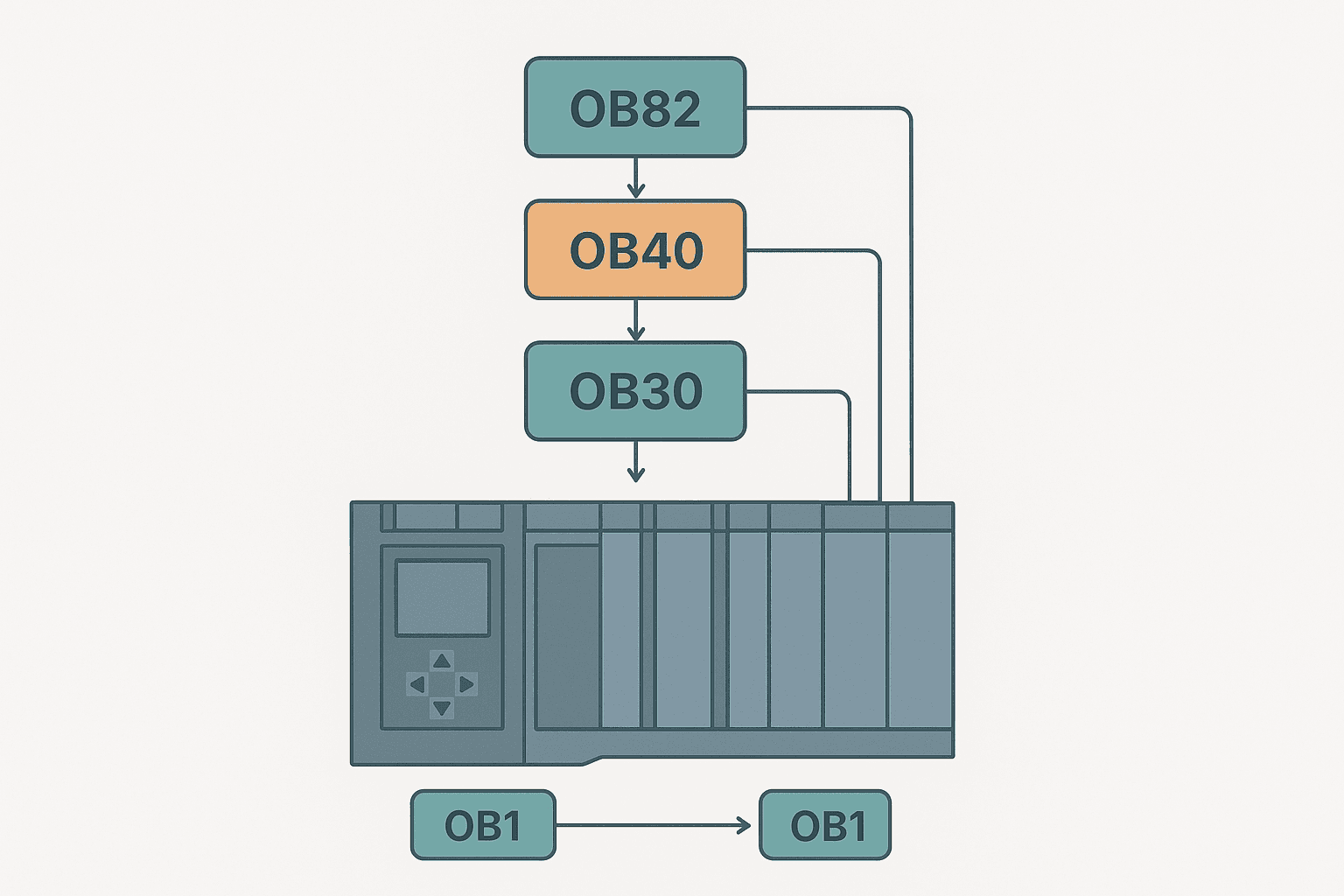
Organization Blocks are the interface between the S7 CPU operating system and your user program. The OS calls each OB automatically based on a trigger: a fixed cycle, a timed interval, a rising edge on a digital input, a module diagnostic event, or a CPU startup. You cannot CALL an OB from inside another block; the OS does the calling. What you can do is control which FCs and FBs an OB calls. Think of OBs as scheduled jobs in a priority queue. Higher-priority OBs can interrupt lower-priority ones mid-scan. The interrupted OB pauses, the higher-priority OB runs to completion, then the interrupted OB resumes exactly where it left off. This is fundamentally different from a Rockwell ControlLogix task structure but serves the same purpose: deterministic, event-driven execution.
OB Priority and What Happens When They Clash
Priority is the single most important concept to get right. On an S7-1500, OB1 runs at priority 1, the lowest. A cyclic interrupt like OB30 defaults to priority 8. A hardware interrupt (OB40) runs at priority 16. Diagnostic interrupts (OB82) sit at priority 26. When OB82 fires, it can preempt everything below priority 26. The CPU saves the local data stack of the interrupted OB, runs OB82, then restores the stack. If two OBs have the same priority, they queue and run one after the other.
| OB Number | Name | Trigger | Default Priority | S7-1200? |
|---|---|---|---|---|
| OB1 | Main Program | Cyclic (continuous) | 1 | Yes |
| OB30-OB38 | Cyclic Interrupt | Fixed time interval | 8-17 | OB30 only |
| OB40-OB47 | Hardware Interrupt | Rising/falling edge on DI | 16-23 | OB40 only |
| OB82 | Diagnostic Interrupt | Module fault detected | 26 (S7-1500) / 5 (S7-1200) | Yes |
| OB86 | Rack/Station Failure | PROFINET device offline | 26 (S7-1500) / 6 (S7-1200) | Yes |
| OB100 | Startup | STOP-to-RUN transition | 27 (runs once) | Yes |
OB1: The Main Cyclic Block
OB1 is what every project starts with. The OS calls it continuously. As soon as OB1 finishes, the OS updates the process image (reads inputs, writes outputs) and calls OB1 again. The cycle time is not fixed; it depends on how much code is in OB1 and how often higher-priority OBs interrupt it. On a lightly loaded S7-1200, typical cycle times are 1-5 ms. On a complex S7-1500 with hundreds of FBs and PROFINET traffic, you might see 10-20 ms.
Put your main machine logic in OB1: state machines, interlocks, HMI data preparation, alarm handling. Everything that does not need to run at a guaranteed interval belongs here. If you're just starting out with your first S7-1200 project, S7-1200 First Program in TIA Portal walks through creating OB1 calls from scratch.
Cyclic Interrupt OBs: Fixed-Rate Tasks
OB30 (and OB31-OB38 on S7-1500) runs on a timer set in microseconds. Configure it in the OB properties inside TIA Portal. Set it to 10000 us and the OS calls it every 10 ms, regardless of what OB1 is doing. This is the right home for PID control, ramp generators, and any closed-loop algorithm that needs a consistent sample period.
A field story: on a water treatment dosing skid, we had a PID loop for pH control sitting in OB1. The cycle time was averaging 12 ms but spiking to 35 ms whenever the HMI polled a large data block. The pH control went unstable at high flow rates. Moving the PID call into OB30 at 10 ms fixed it instantly. The S7-1200 has one cyclic interrupt OB available; the S7-1500 gives you nine, which is one reason to consider the step up for complex multi-loop applications. See the S7-1200 vs S7-1500 comparison for more on where that boundary sits.
Hardware Interrupt OBs: React to Physical Events
OB40 fires when a digital input configured for hardware interrupt changes state. The response time is typically under 1 ms from edge to OB40 execution, much faster than waiting for OB1 to get around to scanning that input. You configure which input channel triggers OB40 in the device properties under Hardware Interrupts.
Inside OB40, the temporary variable LADDR holds the hardware identifier of the triggering module and CHANNEL holds the channel number. Read these to branch your response. Typical uses: encoder reference pulse capture, emergency stop edge detection for fast shutdown, or a high-speed reject gate on a packaging line where a 10 ms delay would send a bad product past the ejector.
Diagnostic Interrupt OB82: Catch Module Faults Without Stopping
OB82 is the one OB that every production project should include and most beginners skip. When a signal module with diagnostic capability detects a fault (wire break on an analog input, short circuit on a digital output, supply voltage missing) the OS calls OB82. If OB82 does not exist in your project, the CPU goes to STOP.
Inside OB82, the temporary variable IO_STATE tells you whether the event is an incoming fault (bit 0 = 1) or a fault-cleared event (bit 0 = 0). LADDR gives you the hardware ID. You can read detailed channel diagnostics from the module using the system function SFB52 (RDREC) or, more conveniently in newer TIA Portal versions, the DeviceStates and ModuleStates instructions. Set a flag in a global DB, write the hardware ID to an HMI alarm tag, and keep the machine running on the channels that are still healthy. That's the professional approach. The alternative, ignoring OB82, means your entire line stops because one analog input has a loose wire.
For a deeper look at how fault codes surface in TIA Portal, Siemens PLC Error Codes: How to Read and Fix Them and S7-1200 Diagnostic Buffer: Read Fault Codes Fast are worth reading together with this post.
OB86: Keeping the CPU Alive When PROFINET Devices Drop
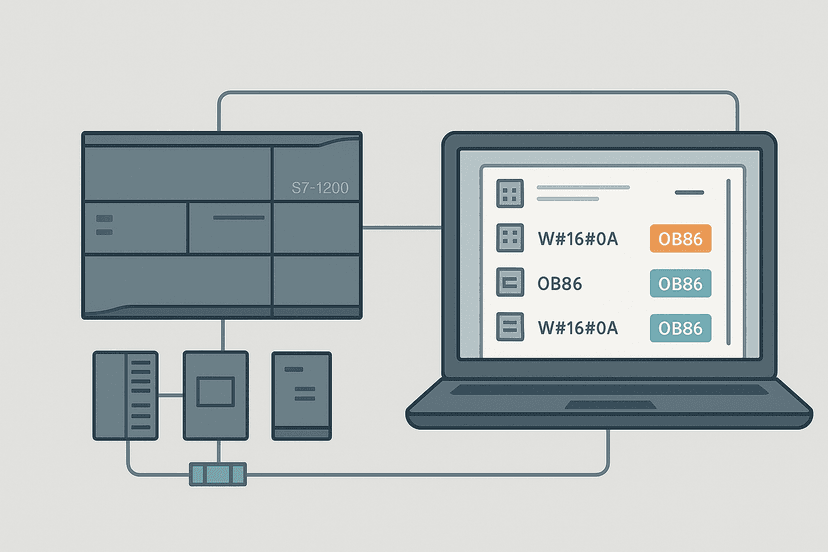
OB86 handles rack and station failures, which in practice usually means a PROFINET IO device went offline. A remote ET 200SP island, a variable-speed drive with a PROFINET card, a remote HMI panel: if any of these loses its connection and OB86 is not in your project, the CPU stops. Add OB86 and you stay in RUN. Use the start information to identify which station failed and flag it. Combined with a good safe-state strategy in OB1, this lets the rest of the machine keep running while maintenance fixes the dropped device.
If PROFINET communication faults are giving you trouble, PROFINET Communication Loss: How to Diagnose It covers the network and hardware side. OB86 handles the software response side.
OB100: The Startup Block
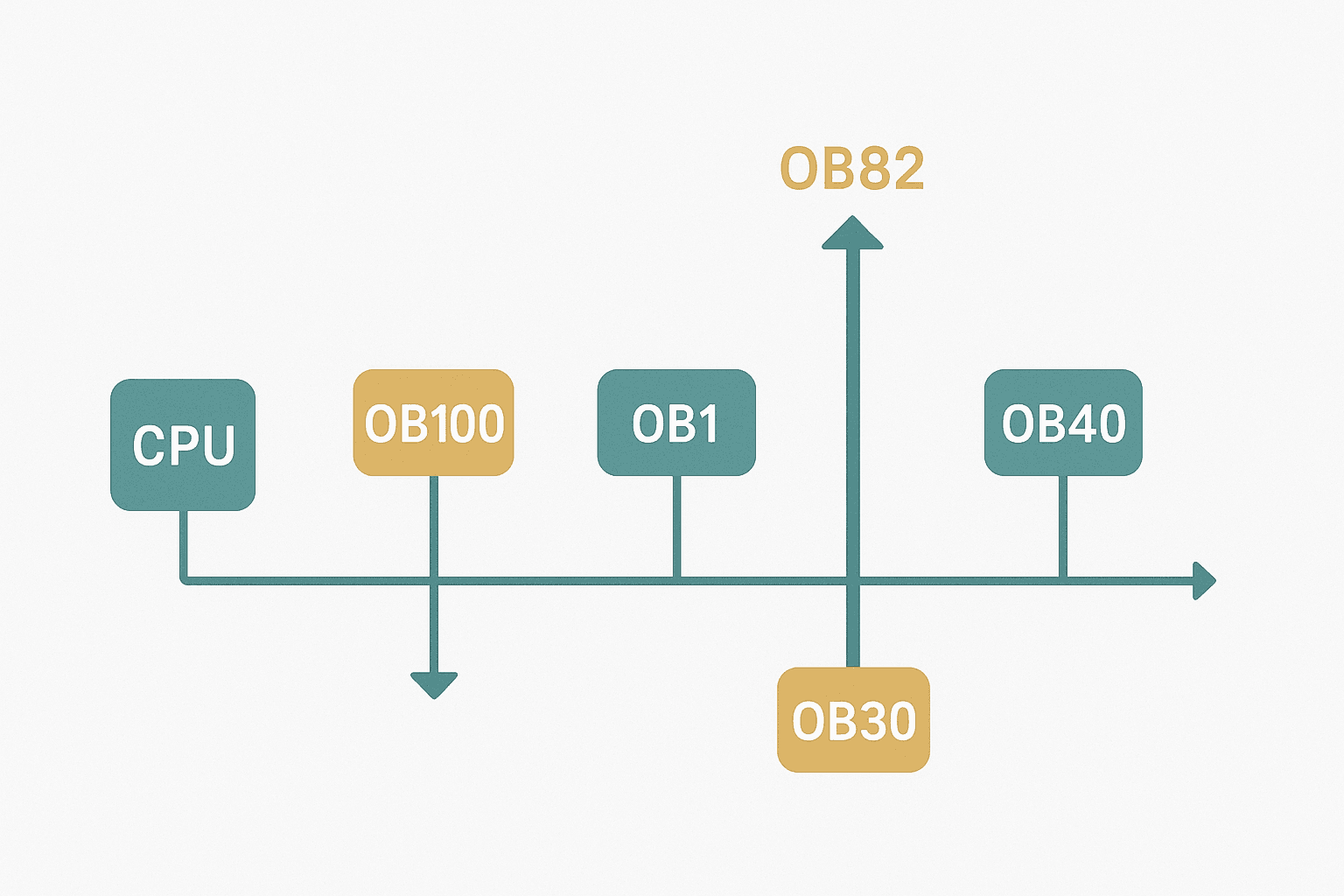
OB100 runs exactly once each time the CPU goes from STOP to RUN. It runs to completion before the first OB1 scan. Use it to initialize arrays, write default values to outputs, clear retentive fault flags that should not survive a restart, and configure technology objects. The outputs are not updated to hardware until OB100 finishes, so you can safely write initial values without worrying about a partial state reaching the field devices.
One pattern I use on almost every project: write a FirstScan bit to a global DB inside OB100. OB1 checks that bit on its first cycle to run one-time initialization routines, then clears it. It's cleaner than relying on the CPU's built-in first-scan flags, which behave slightly differently between S7-1200 and S7-1500 firmware versions.
Structuring a Real Project Across Multiple OBs
Here's a practical layout for a mid-size S7-1500 machine with a PID loop, a PROFINET IO island and standard HMI:
- OB100: Initialize global DBs, set output defaults, write FirstScan flag.
- OB30 (10 ms): Call PID_Compact FB for temperature or pressure control. Keep it to PID calls only.
- OB1: Machine state machine, interlock logic, alarm management, HMI data preparation. Call FBs from library.
- OB40: Set a hardware interrupt flag bit and the channel number in a global DB. Nothing else.
- OB82: Read IO_STATE and LADDR, write to a diagnostic DB, set HMI alarm bits per module.
- OB86: Read station failure info, set a comms-fault bit per PROFINET device in a global DB.
- OB80 (Time Error): Log a time-error event count in a diagnostic DB. Do not ignore this one silently.
This structure keeps fast tasks fast, slow tasks slow, and fault events handled without CPU stops. When you're building the FBs and DBs that OB1 calls, TIA Portal Function Blocks: FB, DB and Instance Data explains the instance DB relationship. For how data blocks fit into this picture, TIA Portal Data Blocks: DB Types and When to Use Each is the companion read.
Common Mistakes with Organization Blocks
- Skipping OB82 and OB86 in projects with PROFINET IO or smart modules. The CPU stops on the first fault.
- Putting PID or motion code in OB1 and wondering why the loop is unstable. Move it to OB30.
- Putting too much code in OB40 or OB82 and causing time overruns that trigger OB80.
- Not adding OB80. A missing OB80 on S7-1200 causes a STOP if a cyclic interrupt overruns.
- Writing to outputs directly inside OB82 or OB86 without checking safe-state logic in OB1. Let OB1 handle outputs; let interrupt OBs only set flags.
- Forgetting that the S7-1200 only supports one cyclic interrupt OB (OB30) and one hardware interrupt OB (OB40), and trying to add OB31 or OB41, which TIA Portal will reject.
If you're using Structured Text in TIA Portal for your control logic, the OB structure is identical: you still call FCs and FBs from within each OB, just written in ST instead of LAD or FBD.
Keep Learning
Organization Blocks are the skeleton of every Siemens program. Get the skeleton right and the rest of the code hangs cleanly. If you want to go deeper on the Siemens platform, S7-1200 Timers in TIA Portal: TON, TOF and TONR shows how timer blocks behave inside OB1 and OB30 calls, and S7-1200 Data Blocks: Global vs Instance DB Explained covers the data structures your OBs will share. For diagnosing faults that your interrupt OBs catch, PLC Fault Finding: A Systematic 6-Step Method gives you a structured field process that works regardless of vendor.
Frequently asked questions
What is an Organization Block in Siemens TIA Portal?
What is the difference between OB1 and OB30 in Siemens?
What happens if an Organization Block is missing in an S7-1200?
How do I set the cycle time for a cyclic interrupt OB in TIA Portal?
What OB do I need for a PROFINET device fault on an S7-1200?
Can I have more than one cyclic interrupt OB in a Siemens S7-1500 project?
What is a startup OB in TIA Portal and when does it run?
What priority level does OB82 have and what triggers it?
How do I read the start information inside a hardware interrupt OB?
What is the maximum OB priority on an S7-1500?
Now build it
You have just read about TOF. Reading a rung and making one behave are different skills, and the second one is the job.
Off-Delay Cooling Fan (TOF)
Intermediateabout 12 minA heater's cooling fan must keep running for 3 seconds AFTER the heater stops: the classic off-delay. One TOF timer does the whole job.
Build this rungFree, no signup, runs in your browser. See all 16 exercises.
Was this helpful?