
📢 Fresh Content: PLC Troubleshooting Tips That Work Across Any Platform | Click to read on PLCDocs!
Topic hub
Vendor Platforms
Getting started and going deeper in the software you have to open every day: Studio 5000, TIA Portal, GX Works3, Sysmac Studio, KV Studio, CODESYS and TwinCAT.
Ladder logic is portable; the tooling is not. These guides cover what changes when you move between platforms: how each one organises a project, where the tag or symbol database lives, how you go online and force a bit, and the vendor-specific vocabulary that makes the same idea look unfamiliar.
13 articles in this hub
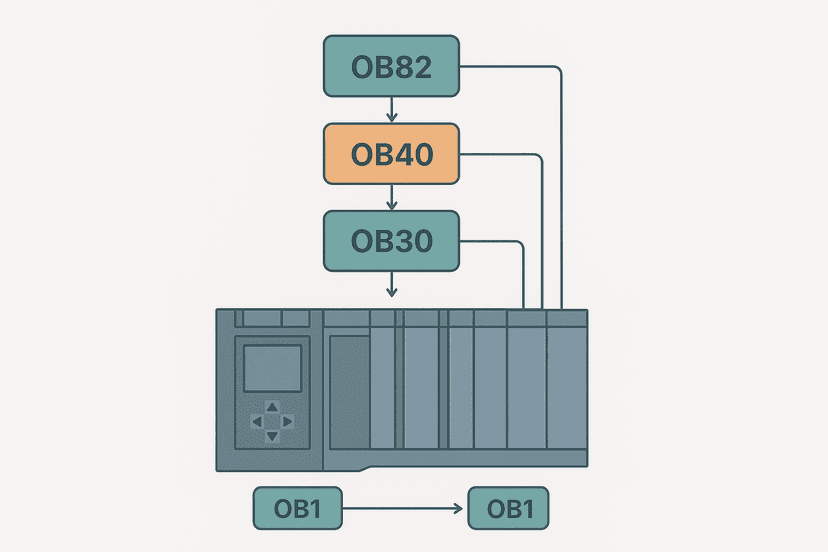
Siemens TIA Portal OB Types: When to Use Each
Organization Blocks control when your Siemens PLC code runs. Learn the OB types, priorities, and exactly when to use OB1, OB30, OB82 and more in TIA Portal.
Aug 8, 2026 · 9 min read
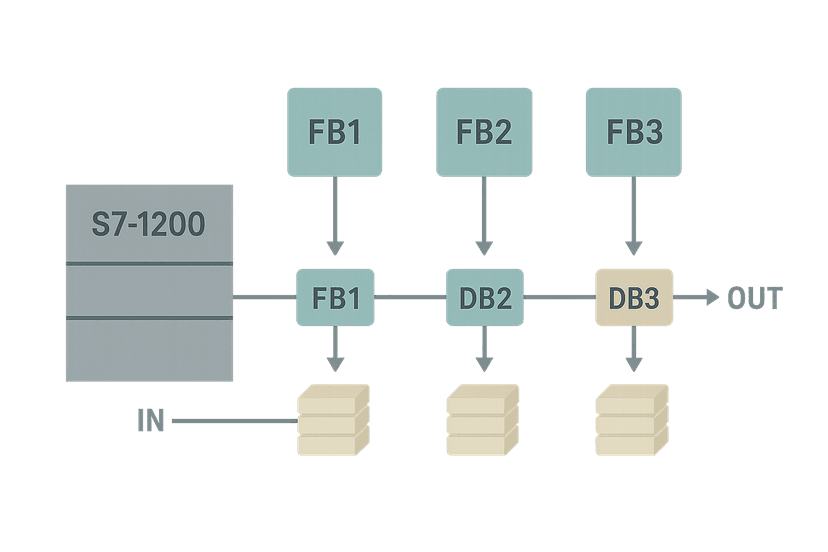
TIA Portal Function Blocks: FB, DB and Instance Data
Learn how TIA Portal Function Blocks work with Instance Data Blocks, how to pass IN, OUT and IN_OUT parameters, and the real-world gotchas that trip up even experienced S7 programmers.
Aug 8, 2026 · 8 min read
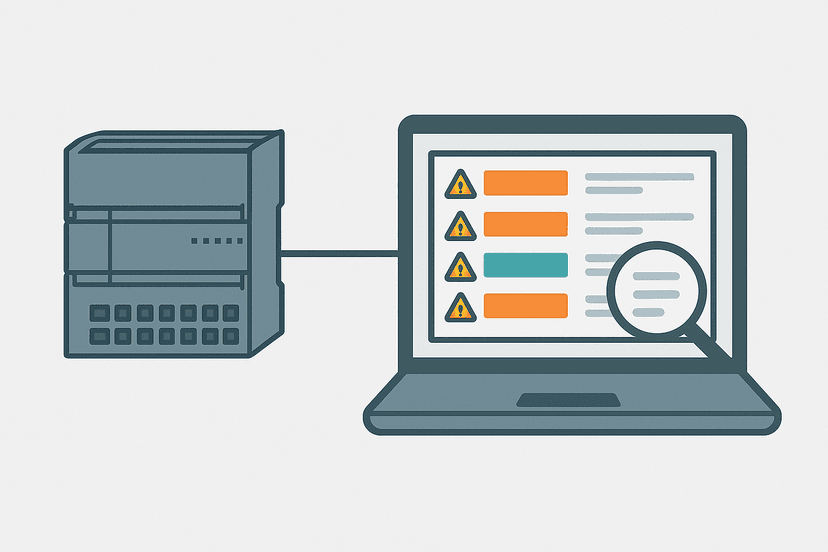
S7-1200 Diagnostic Buffer: Read Fault Codes Fast
Learn how to read the S7-1200 diagnostic buffer in TIA Portal, decode Siemens fault codes, and fix CPU stops in minutes with a field-tested workflow.
Aug 7, 2026 · 9 min read
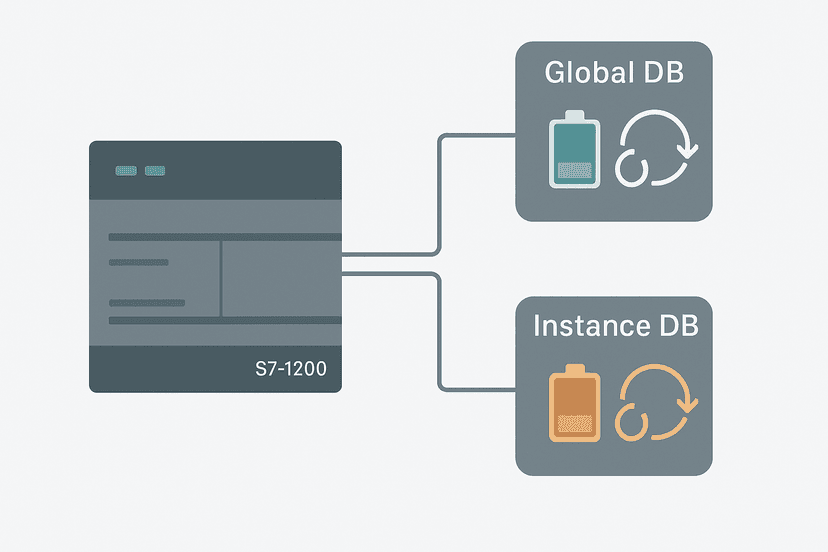
TIA Portal DB Retain and Re-Initialization Explained
Learn how TIA Portal data block retain settings and re-initialization work, why they trip up experienced engineers, and how to get predictable behavior on every power cycle.
Aug 7, 2026 · 9 min read
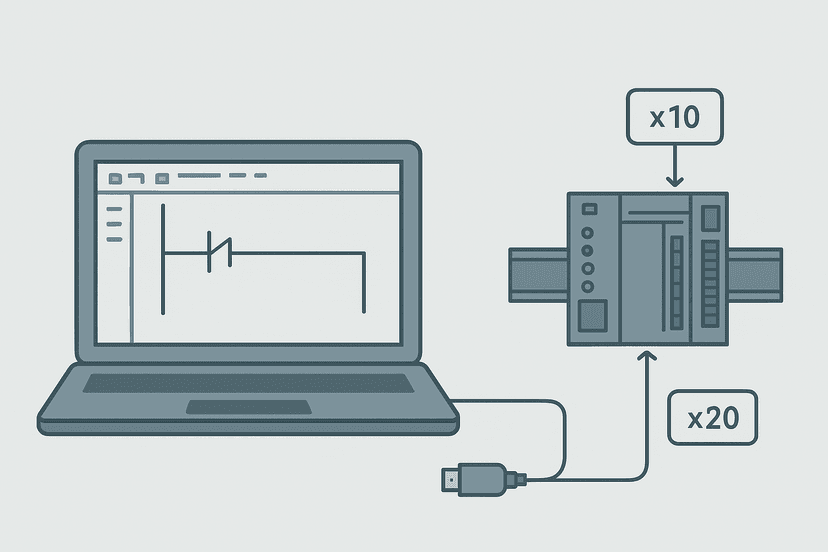
GX Works3: A Practical Getting-Started Guide
GX Works3 is Mitsubishi's unified IDE for iQ-R and iQ-F PLCs. This guide walks you through setup, project creation, ladder programming, device monitoring, and writing to hardware.
Jul 22, 2026 · 8 min read
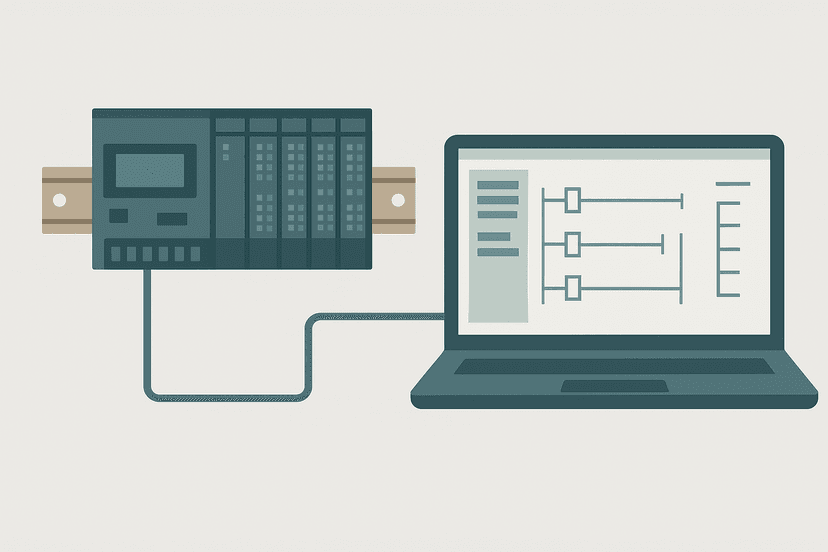
Omron Sysmac Studio: A Practical Getting-Started Guide
Learn how Omron Sysmac Studio works, how to set up your first NJ/NX project, configure I/O, write ladder and ST code, and connect to real hardware without the usual headaches.
Jul 21, 2026 · 9 min read
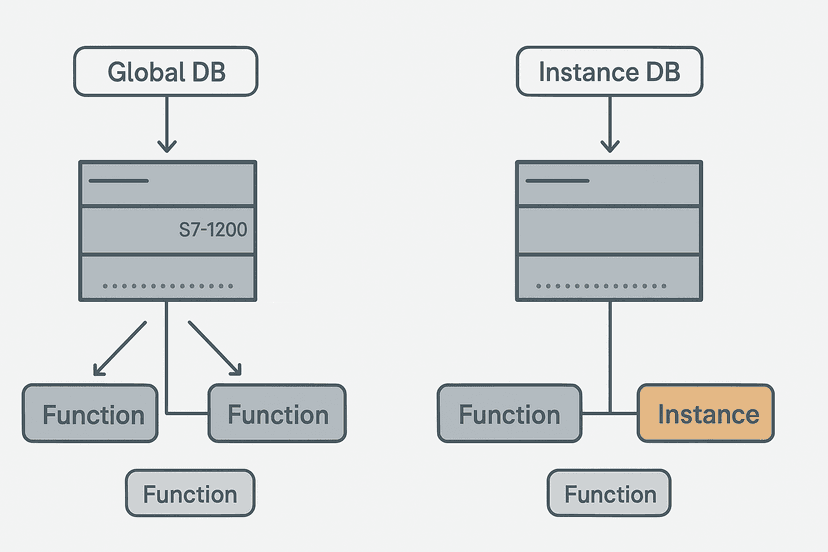
S7-1200 Data Blocks: Global vs Instance DB Explained
Global and Instance DBs in the S7-1200 behave very differently. Learn which type to use, how memory is allocated, and how to avoid the classic commissioning mistakes.
Jul 18, 2026 · 9 min read
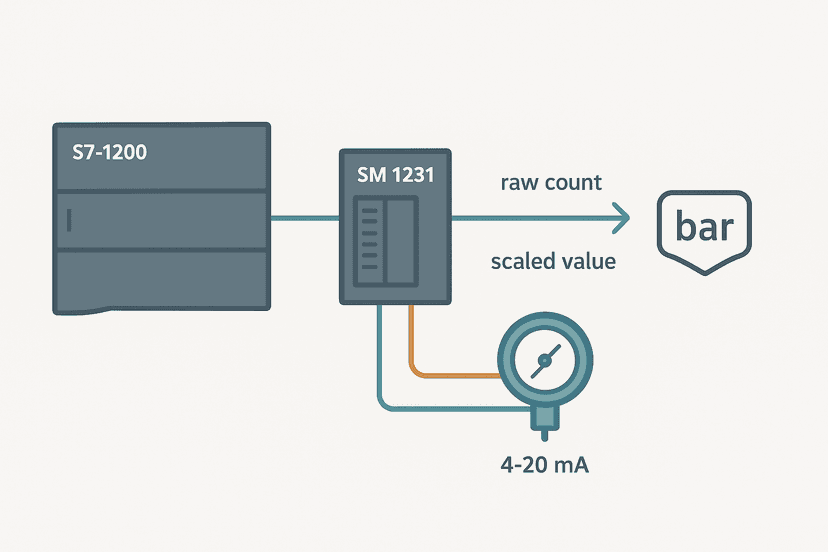
S7-1200 Analog Inputs: Wiring and TIA Portal Setup
Learn how to wire, configure and scale analog inputs on the Siemens S7-1200 in TIA Portal. Real gotchas, address mapping and working ST code included.
Jul 18, 2026 · 8 min read
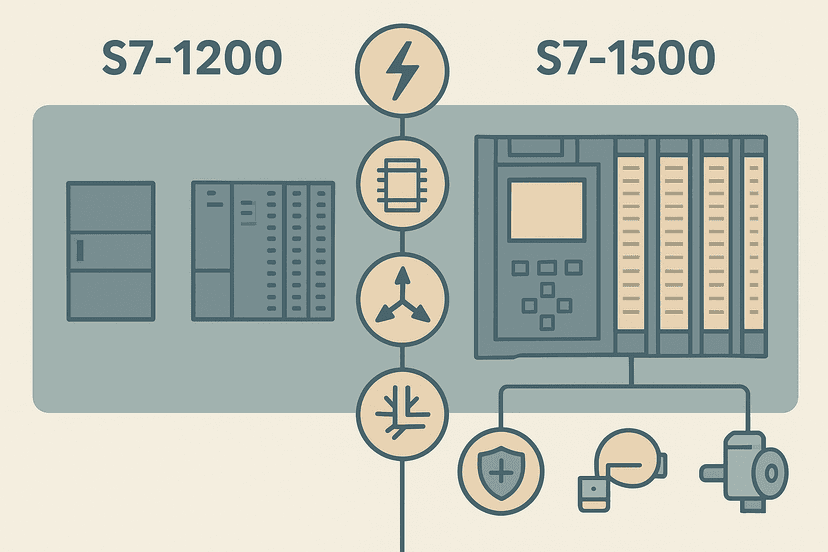
S7-1200 vs S7-1500: Which Siemens PLC to Choose
S7-1200 vs S7-1500: compare CPU speed, memory, motion control, safety integration, PROFINET ports and real project cost so you choose the right Siemens PLC.
Jul 17, 2026 · 8 min read
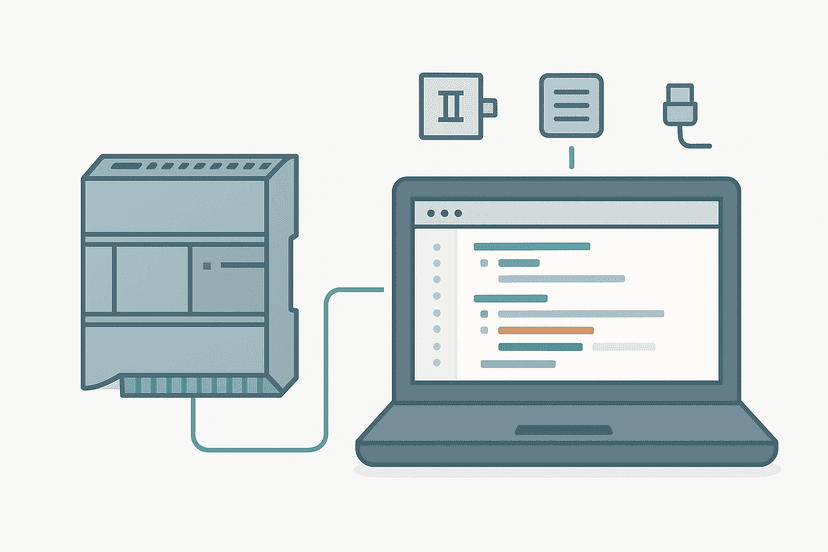
Structured Text in TIA Portal: A Practical Guide
TIA Portal's SCL editor lets you write structured text on S7-1200 and S7-1500 PLCs. Here's the syntax, real examples, and when to use it instead of ladder.
Jul 9, 2026 · 7 min read
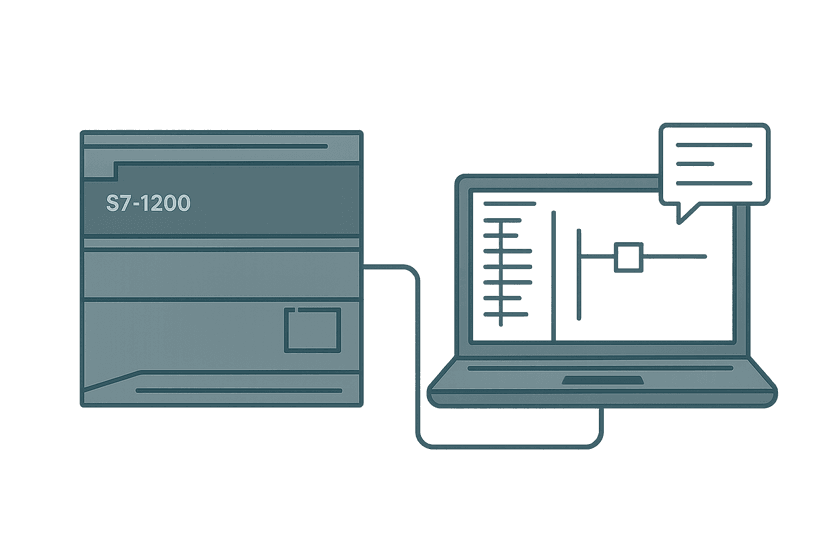
S7-1200 First Program in TIA Portal: Step by Step
Build your first Siemens S7-1200 program in TIA Portal from scratch. CPU selection, hardware config, tag table, ladder rung, and online download all covered.
Jul 8, 2026 · 8 min read
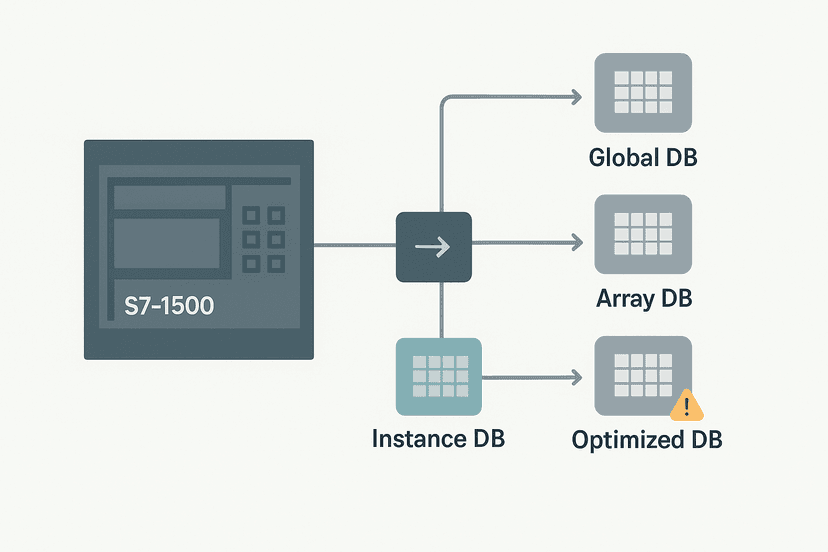
TIA Portal Data Blocks: DB Types and When to Use Each
TIA Portal data blocks come in four distinct types. Knowing which to use and how optimized access changes everything will save you hours of debugging.
Jul 8, 2026 · 8 min read
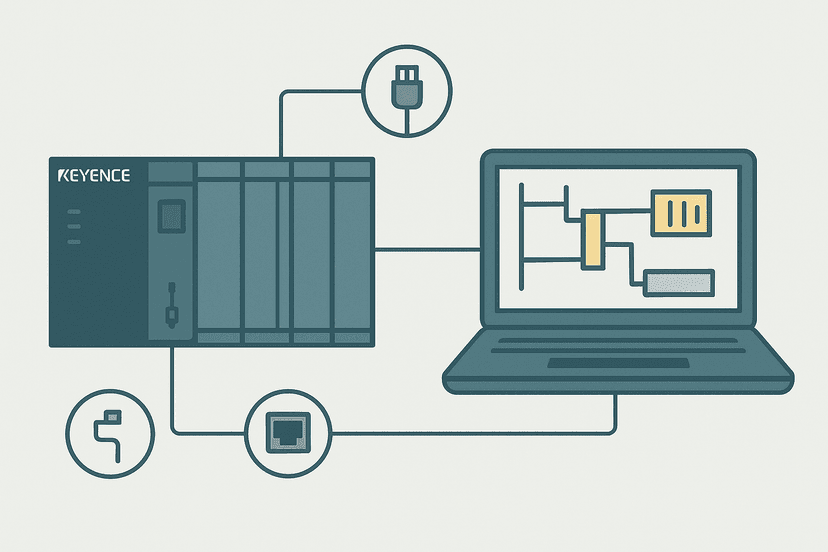
Keyence KV Studio: A Practical Getting-Started Guide
KV Studio is Keyence's free PLC programming environment for the KV-8000, KV-5500 and KV-7500 series. Here's what you actually need to know to get productive fast.
Jul 8, 2026 · 8 min read