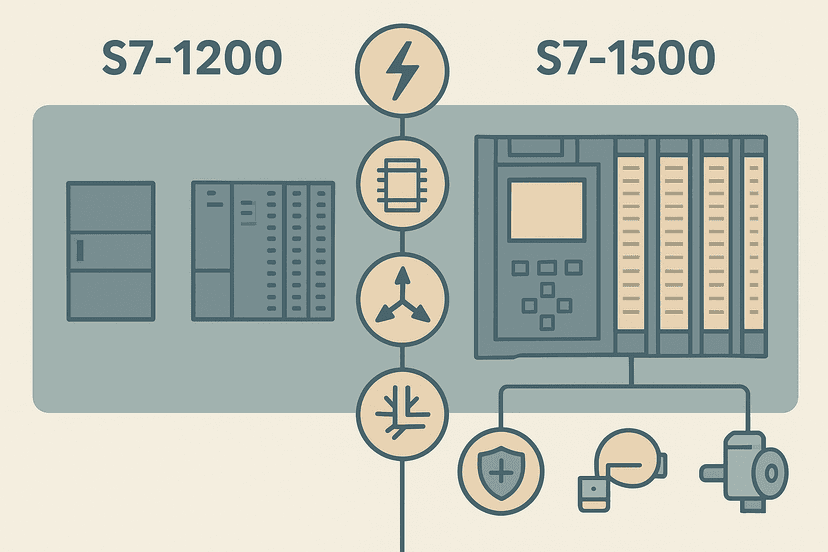
TIA Portal DB Retain and Re-Initialization Explained
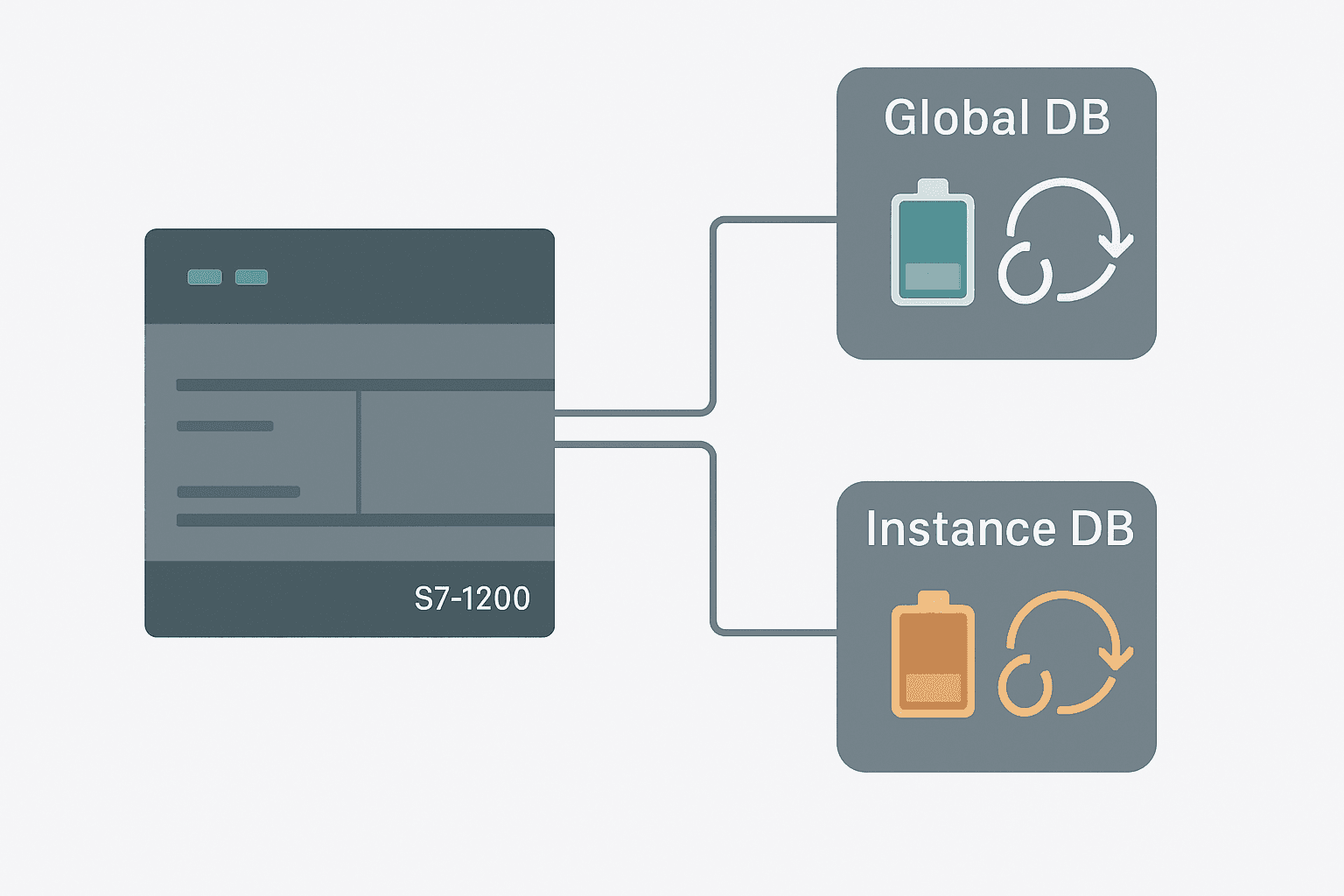
Retain settings in TIA Portal data blocks are one of those things that seem obvious until the machine restarts at 2 AM and every recipe setpoint is zero. Understanding exactly when a variable keeps its value, when it resets, and how re-initialization fits in will save you from a lot of head-scratching on the plant floor.
What Is TIA Portal Data Block Retain?
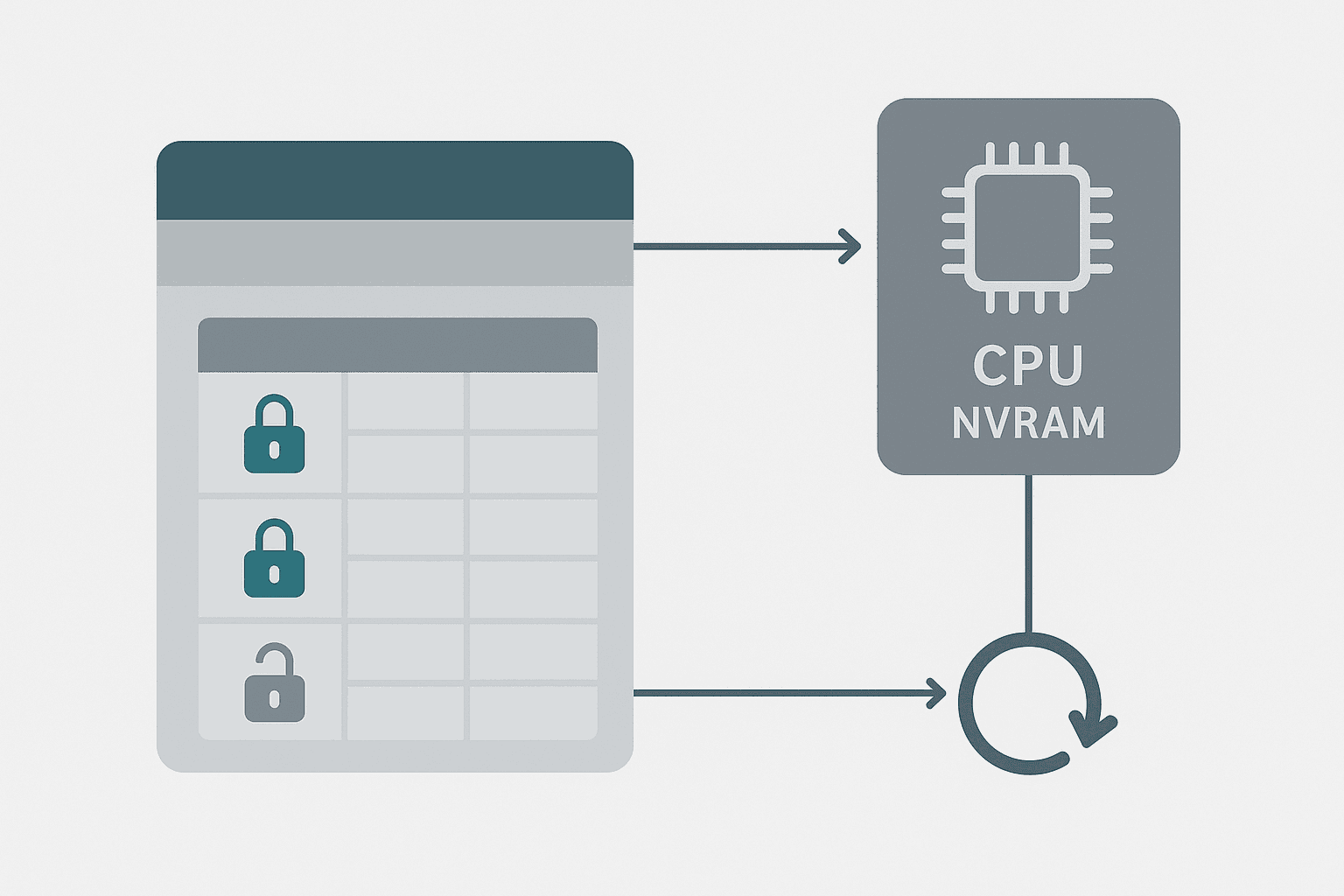
A retain variable in a TIA Portal data block survives a CPU power cycle or warm restart. The S7-1200 and S7-1500 copy its last runtime value into non-volatile memory (NVRAM) and restore it on the next startup. A non-retain variable is reset to its start value every time the CPU restarts. The start value is the default you type into the DB editor in TIA Portal. Retain and non-retain are not the same as backed-up and lost: non-retain variables are not lost, they are deliberately reset to a known default.
Start Value vs Actual Value: The Source of Most Confusion
Every DB variable has two values in TIA Portal: the start value (the number in the editor column labelled Start value) and the actual value (what the CPU currently holds at runtime). When you first download a project, the actual value is loaded from the start value. The moment your program writes to that variable, the actual value diverges. If retain is off, the next power cycle wipes the actual value and reloads from the start value. If retain is on, the actual value is preserved.
How to Set Retain on a TIA Portal Data Block
The process differs slightly between CPU generations. Before you touch a single checkbox, check your CPU's available retentive memory in the CPU Properties dialog under Memory in TIA Portal. The S7-1214C gives you 10 KB; the S7-1516 gives you 512 KB. Running out produces a hard compile error.
S7-1200 Firmware v4.0 and Earlier: All-or-Nothing
On older S7-1200 firmware, open the DB properties (right-click the DB in the project tree, choose Properties), then tick Optimized block access and set the whole DB to retain or non-retain. You cannot pick individual variables. This is an important limitation: if you need one setpoint to survive a restart but another to reset, you need two separate DBs.
S7-1200 Firmware v4.1 and Later, and S7-1500: Per-Variable Retain
From firmware v4.1 on the S7-1200, and on all S7-1500 CPUs, you can set retain per variable inside an optimized global DB. The Retain column in the DB editor shows a small lock icon. Click it to toggle. This is the preferred approach because it keeps related data together while giving you granular control. See the S7-1200 vs S7-1500 comparison for a broader look at where the two platforms differ in capability.
Instance DBs and Retain
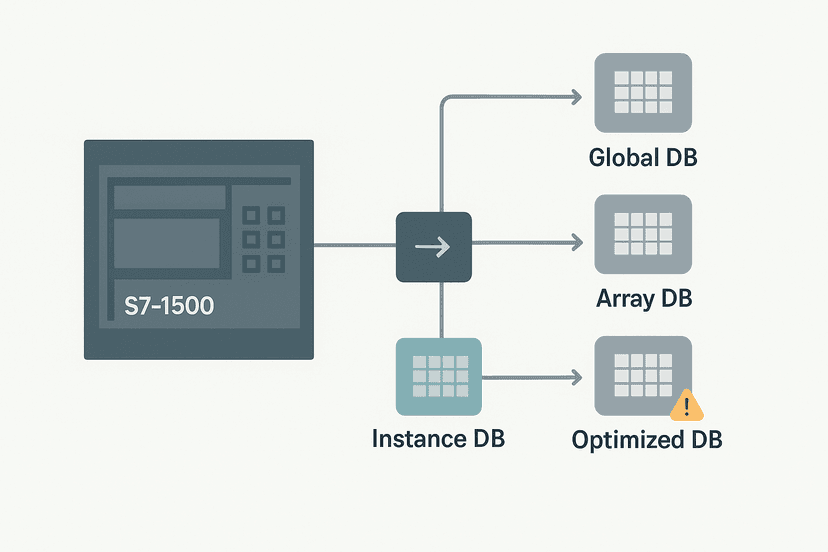
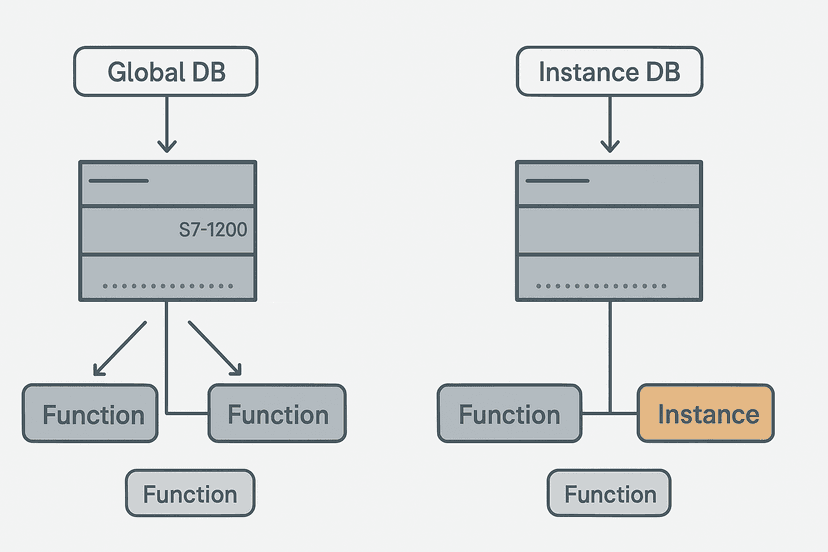
Instance DBs are automatically created by TIA Portal when you call a function block. They hold the FB's internal static data, including timer and counter accumulators. By default, static variables in an instance DB are non-retain. If you have a maintenance run-hour counter inside an FB that you need to survive a power cycle, mark that specific static variable as retain in the FB's variable table. The instance DB inherits the attribute automatically. For more on how global and instance DBs differ, the S7-1200 Data Blocks: Global vs Instance DB post covers the structural differences in depth.
Re-Initialization: What It Does and When to Use It
Re-initialization resets a DB's actual values back to its start values. Think of it as a controlled factory reset for one block. There are two ways to trigger it in TIA Portal:
- Online initialize (partial): Right-click the DB in the Online view and choose Initialize. This resets non-retain variables only. Retain variables keep their current actual values. Use this to fix a corrupted non-retain value without losing your setpoints.
- Initialize all: A second option in the same menu resets every variable, including retain ones. This is the nuclear option. Use it deliberately, not accidentally.
- Download with re-initialization: When TIA Portal detects a structural change to a DB (e.g. you added a variable), it prompts you to re-initialize during download. Read the dialog carefully before clicking OK.
What Happens on Download When You Change a DB
This is where experienced engineers still get caught out. TIA Portal handles DB downloads differently depending on whether the block structure changed:
| Change Type | Retain Variables | Non-Retain Variables |
|---|---|---|
| No structural change (only start value edited) | Preserved | Preserved (start value update does not auto-apply) |
| Variable added at end of optimized DB | Preserved | New variable gets start value; existing preserved |
| Variable deleted or data type changed | TIA Portal warns: actual values may be lost | TIA Portal warns: actual values may be lost |
| Full re-initialization requested | Reset to start value | Reset to start value |
| Non-optimized DB with layout change | Not supported; all values reset | All values reset |
The safest workflow: always use optimized block access (it is the default on new S7-1200 and S7-1500 projects), add new variables at the end of the DB rather than inserting them in the middle, and never change a variable's data type without planning for the reset. The TIA Portal Data Blocks: DB Types and When to Use Each article explains optimized vs non-optimized access in more detail.
A Practical Retain Strategy for Setpoints and State Data
Over a dozen Siemens projects, the pattern that has worked best is to separate data by volatility into distinct DBs. It keeps the retain budget tidy and makes re-initialization safe:
- Setpoints DB (retain on all variables): Recipe values, PID targets, alarm thresholds. These survive every restart. Use meaningful start values as your engineering defaults so a fresh download gives a safe, running state.
- State DB (mixed retain): Running totals, batch counts, and run-hour accumulators are retain. Mode flags and step numbers are non-retain so a restart always begins in a known idle state.
- Scratch DB (no retain): Intermediate calculation results, temporary flags, HMI handshake bits. All non-retain. Cheap to reinitialize without consequences.
This structure also makes HMI tag linking easier because your HMI operator can see clearly which values are persistent setpoints and which are transient status indicators.
Retain in Structured Text: Writing to Retain Variables
From a Structured Text perspective in TIA Portal, retain variables behave identically to non-retain ones. You read and write them exactly the same way. The retain attribute only affects what happens at CPU startup, not during normal execution. The code below shows a typical setpoint read and a conditional update pattern, which is a common way to let an HMI write a new setpoint once and have it stick across power cycles.
// DB_Setpoints is a global DB with Temp_Setpoint marked RETAIN
// HMI writes HMI_NewSetpoint and pulses HMI_UpdateCmd

IF HMI_UpdateCmd THEN
    DB_Setpoints.Temp_Setpoint := HMI_NewSetpoint;
    HMI_UpdateCmd := FALSE;  // clear the one-shot from HMI
END_IF;

// Use the retained setpoint in control logic
IF DB_Process.ActualTemp < DB_Setpoints.Temp_Setpoint THEN
    Heater_Enable := TRUE;
ELSE
    Heater_Enable := FALSE;
END_IF;
Because DB_Setpoints.Temp_Setpoint is retain, the operator's last entered value is still there after a weekend power cut. The start value in TIA Portal acts as the factory default if the DB is ever re-initialized. Make sure that start value is a safe operating temperature, not zero.
From the Field: The Setpoint-Zero Incident
On a water treatment project, a site engineer uploaded a DB structure change at midnight to add a new alarm threshold variable. TIA Portal prompted for re-initialization and he clicked OK without reading the warning. Every retain setpoint on the system, including PID targets for three dosing pumps, reverted to the start values from the original project file. The start values had been left at zero from initial development. The plant ran the morning shift at zero chemical dose before anyone noticed the analyzer trending. The fix was simple in retrospect: keep a Watch Table export of all setpoint DBs as part of the change control procedure, and set realistic start values during development. It is a 10-minute discipline that prevents a very bad morning.
Retentive Memory Budget: Check Before You Commit
The S7-1200 and S7-1500 both have a fixed retentive memory budget. Once you exceed it, TIA Portal throws a compile error and you cannot download. Check your budget early in the project by going to PLC properties > Memory > Retentive memory. For context:
- S7-1211C: 10 KB retentive
- S7-1214C: 10 KB retentive
- S7-1217C: 10 KB retentive
- S7-1511: 128 KB retentive
- S7-1516: 512 KB retentive
Ten kilobytes sounds like plenty until you start adding retain arrays for recipe management. A 100-element array of REAL values already eats 400 bytes. If your S7-1200 project involves multiple recipes with dozens of parameters each, consider whether an S7-1500 is the right platform, or whether recipe data belongs in a separate HMI recipe management system rather than in PLC retain memory. The S7-1200 vs S7-1500 comparison covers this architectural decision well.
Exporting Actual Values for Audit and Backup
TIA Portal lets you export the actual values of a DB to an Excel-compatible file. Open the DB online, then use Project > Export. This is useful for setpoint audits before a firmware update, for machine handover documentation, and for restoring values after an accidental re-initialization. Make it a formal step in your commissioning checklist. The exported file can also be imported back via Project > Import if you need to restore values quickly.
For engineers newer to the Siemens ecosystem, it is worth reading the S7-1200 First Program in TIA Portal walkthrough first, then coming back here once you have a project structure in place. And if you are writing control logic in Structured Text rather than ladder, the Structured Text in TIA Portal guide covers the language mechanics alongside DB access syntax.
Related Reading
- HMI Programming in TIA Portal: A Practical Guide
- S7-1200 Analog Inputs: Wiring and TIA Portal Setup
- Modbus RTU Protocol Explained: Frames, Timing and Wiring
Keep Learning
Now that you have a solid grip on retain and re-initialization, the next logical step is understanding the full range of DB types and when to use global, instance, or array DBs: the TIA Portal Data Blocks: DB Types and When to Use Each post is the right companion read. If you are building timer or counter logic inside FBs and need to know which static variables to mark retain, S7-1200 Timers in TIA Portal: TON, TOF and TONR shows how timer instance data is stored and how retain interacts with accumulated time. And if you want to practice writing DB access logic interactively, the free ladder logic sandbox lets you try data block reads and writes without any hardware.
Frequently asked questions
What does retain mean in a TIA Portal data block?
What is the difference between a start value and an actual value in a TIA Portal DB?
How do I reinitialize a data block in TIA Portal without downloading the whole project?
Can I mix retain and non-retain variables in the same global DB?
Why does my setpoint reset to zero after a power cycle even though I set a start value?
What happens to retain variables when I download a changed DB to the CPU?
Is there a limit to how many retain variables an S7-1200 can hold?
What is the difference between retain and a memory bit M with the retain attribute?
Does re-initialization affect instance DBs as well as global DBs?
How do I export actual values from a TIA Portal data block to check setpoints?
Now build it
You have just read about TOF. Reading a rung and making one behave are different skills, and the second one is the job.
Off-Delay Cooling Fan (TOF)
Intermediateabout 12 minA heater's cooling fan must keep running for 3 seconds AFTER the heater stops: the classic off-delay. One TOF timer does the whole job.
Build this rungFree, no signup, runs in your browser. See all 16 exercises.
Was this helpful?