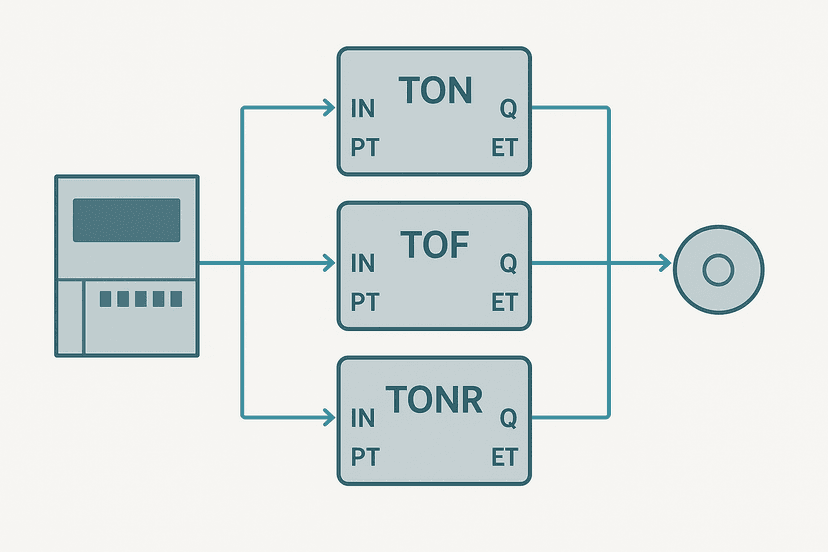
Retentive vs Non-Retentive PLC Timers: Key Differences
The question comes up on every commissioning where someone needs to track run hours or cumulative process time: should you use a TON or a TONR? The answer depends on one thing: what do you want the timer to do when the enable signal drops? If you do not know the answer off the top of your head, this post will make it stick.
What Is the Difference Between a Retentive and Non-Retentive Timer?
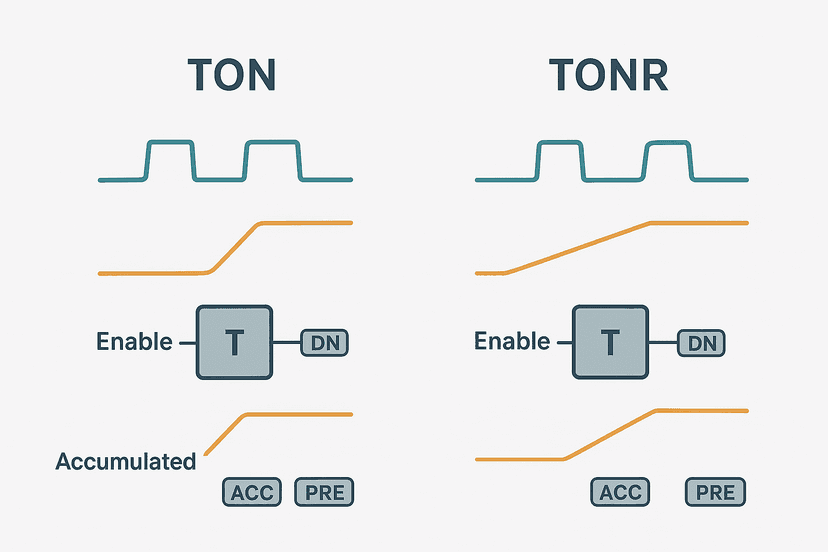
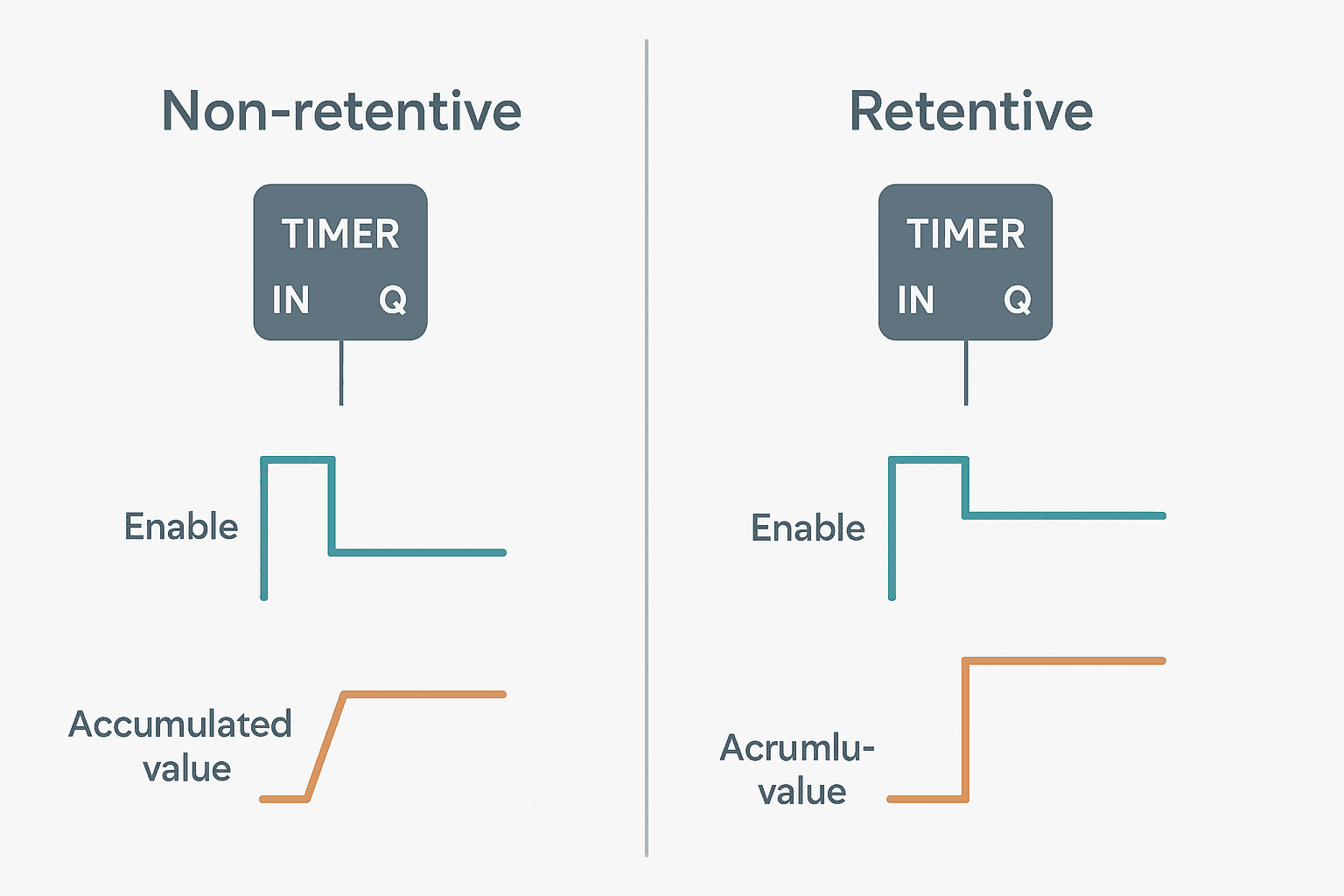
A non-retentive timer (TON in most platforms) resets its accumulated value to zero the instant its enable input goes false. The next enable pulse starts timing from scratch. A retentive timer (TONR, or ST-type in Mitsubishi) holds its accumulated value when the enable drops, then continues from that saved value the next time the enable goes true. The accumulated value only clears when a dedicated Reset instruction or pin is triggered. That single behavioral difference determines which one belongs in your program.
Timing Diagram: What the Difference Looks Like
Picture a preset of 10 seconds. The enable goes true for 6 seconds, then drops for a few seconds, then goes true again.
| Event | TON (Non-Retentive) | TONR (Retentive) |
|---|---|---|
| Enable goes true | Timing starts from 0 ms | Timing starts from 0 ms (or last held value) |
| Enable goes false at 6 s | ACC resets to 0 ms instantly | ACC holds at 6000 ms |
| Enable goes true again | Timing starts from 0 ms again | Timing continues from 6000 ms |
| ACC reaches 10 000 ms | DN bit sets (second enable period) | DN bit sets (combined time) |
| Reset required? | No, clears on enable drop | Yes, explicit RES or R pin needed |
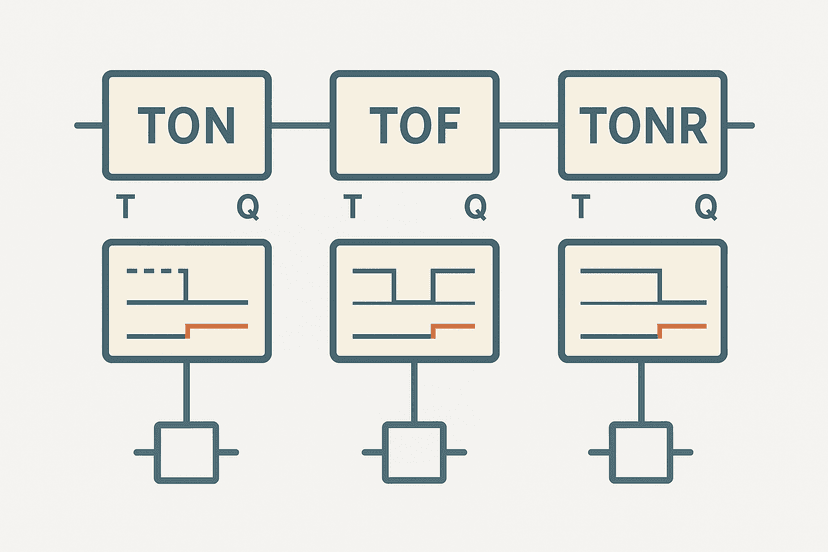
That table tells the whole story. With TON you need 10 uninterrupted seconds. With TONR you can spread those 10 seconds across as many enable pulses as you like. This is why the post on TON, TOF and TONR differences flags TONR as a specialist tool: it solves a specific problem but creates a new one if you forget the reset.
Platform-by-Platform: How Each PLC Implements Retentive Timers
Rockwell Studio 5000 (TONR)
Studio 5000 has a dedicated TONR instruction. The tag structure includes .ACC, .PRE, .EN and .DN members, identical to TON. The key difference is that .ACC does not clear on a false rung condition. You must add a separate rung with RES(YourTimer_Tag) to zero the accumulator. The post on S7-1200 timers and TIA Portal shows how Siemens handles the same concept if you work across both platforms.
.ACC value in a non-volatile data location or use a controller tag with the Constant attribute disabled and handle NVS writes yourself. Check your ControlLogix or CompactLogix documentation before assuming retention.Siemens TIA Portal (TONR Function Block)
TIA Portal implements TONR as an IEC-style function block with an IN pin (enable), an R pin (reset), a PT preset input and an ET elapsed time output. When IN goes false, ET holds. When R goes true, ET resets to zero and Q drops. The instance DB stores the timer state, and if the DB is set to retentive in the DB properties the value survives a CPU restart. The guide to TIA Portal data blocks covers DB retentivity settings in detail. On the S7-1200 specifically, TONR instances in optimised DBs are retentive by default, but you should always verify this in the DB variable table.
Mitsubishi GX Works3 (ST Retentive Timers)
Mitsubishi Q and iQ-R PLCs use the ST device range for retentive timers (e.g. ST0 to ST2047 on a Q series). You energise them the same way as a standard T-type timer, but the current value holds when the coil goes false. Reset is done with RST ST0. The GX Works3 getting-started guide shows the device memory layout if you are new to Mitsubishi addressing. Note that the number of available ST devices depends on the parameter settings in your project.
CODESYS and IEC 61131-3 Generic
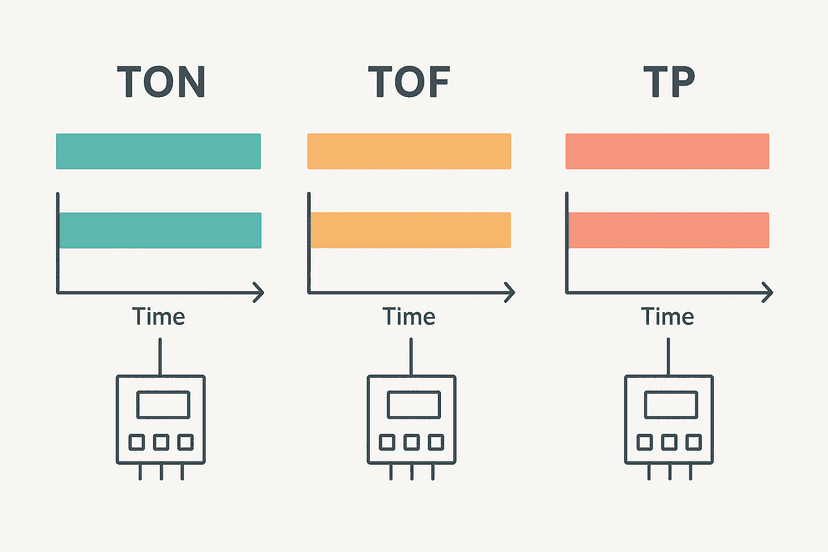
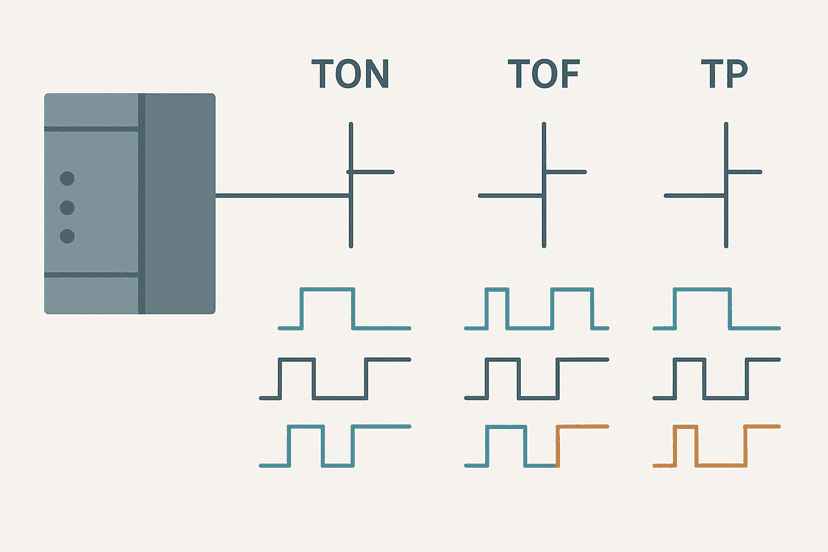
IEC 61131-3 defines TON, TOF and TP as the standard timer function blocks, but it does not mandate a retentive variant. In CODESYS you can build the behaviour yourself by storing the ET value in a RETAIN variable and reloading it on the next scan. Some CODESYS-based platforms (Beckhoff TwinCAT, Phoenix Contact PLCnext) offer platform-specific retentive extensions. If you are writing cross-platform code and need retentive timing, the cleanest approach is to write a small Function Block that wraps TON and handles the accumulation logic explicitly.
Real Applications That Need a Retentive Timer
Here is where I see TONR used correctly in the field, and where I see it misused.
- Maintenance interval tracking: A conveyor gearbox that needs greasing every 4 hours of actual run time. The motor starts and stops dozens of times per shift. Only a retentive timer adds up the real run time. The TONR gearbox run-hour ladder example shows exactly this pattern.
- UV lamp life counters: UV sterilisation lamps degrade based on total arc-on time, not calendar time. TONR tracks cumulative exposure regardless of how often the lamp cycles.
- Batch process phase timing: Some pharmaceutical and food processes require that a mixing stage accumulates a minimum total dwell time even if the agitator trips and restarts. A retentive timer satisfies the validation requirement.
- Operator exposure time in safety zones: Tracking how long a zone has been in bypass mode, accumulating even across PLC restarts if the DB is set retentive.
- WRONG use: simple on-delay debounce or output pulse. If you just need a 200 ms filter on a noisy sensor signal, use TON. Using TONR here means you must add a reset rung, and if that reset rung has a logic error the timer never clears. I have seen this exact bug in a food plant cause a valve to open unexpectedly because the accumulated time from a previous batch never reset.
Retentive Timer Ladder Logic Example (Studio 5000 TONR)
The example below tracks cumulative UV lamp on-time against a 10-hour (36 000 000 ms) service interval. The lamp can cycle on and off freely. When accumulated time hits the preset, an alarm latches and the operator must acknowledge and reset the timer after servicing the lamp. This is a fresh circuit, different from the gearbox run-hour example already on this site.
UV Lamp Life: TONR Cumulative Run-Time Service Alert (Studio 5000). Ladder logic (4 rungs): Rung 0: examine if UV_Lamp_On is on (XIC), then TONR on UV_Lamp_RunTimer. Rung 1: examine if UV_Lamp_RunTimer.DN is on (XIC), then examine if Lamp_Life_OS is on (XIC), then latch output Lamp_Service_Due (OTL). Rung 2: examine if Lamp_Service_Due is on (XIC), then energize output HMI_LampServiceAlarm (OTE). Rung 3: examine if Lamp_Service_Due is on (XIC), then examine if HMI_LampServiceAck is on (XIC), then RES on UV_Lamp_RunTimer, then either unlatch output Lamp_Service_Due (OTU). Rung 1: TONR accumulates UV lamp on-time. ACC holds whenever UV_Lamp_On drops. Rung 2: On the rising edge of DN, latch the service alarm. Rung 3: Drive the HMI alarm bit. Rung 4: Operator acknowledge on HMI resets the timer and unlatches the alarm, ready for the next service interval.
The diagram above evaluates one scan. Run these exact rungs on a real scan cycle to watch the latching and the timers behave.
Run this in the simulatorUV_Lamp_RunTimer.ACC to an HMI numeric display so operators can see remaining lamp life in real time. Convert from milliseconds to hours in a Computed tag or a simple math rung: Hours_Remaining = (36000000 - UV_Lamp_RunTimer.ACC) / 3600000. This is the kind of small addition that operators actually appreciate.The Reset Rung: The Part Everyone Forgets
The single biggest mistake with retentive timers is omitting the reset rung or putting it on the wrong condition. A few rules:
- Always add the RES rung (or R pin in TIA Portal) in the same routine as the TONR, not buried in a fault routine that might not execute.
- Interlocking the reset behind an operator acknowledge (as shown above) is good practice. Do not let the timer auto-reset on the DN bit without operator action if the intent is to track service intervals.
- If you need the timer to auto-restart (cyclic cumulative timing), put the RES on the DN bit directly, then the timer immediately starts a new interval. Think of it like a CTU counter with a built-in reset on overflow.
- In TIA Portal, driving the R pin TRUE for even one scan is enough to zero ET. You do not need to hold R high. A one-shot on the reset command is cleaner.
Comparing Retentive Timer Behaviour Across Platforms
| Platform | Instruction | Reset Method | Power-Cycle Retentive? |
|---|---|---|---|
| Studio 5000 / Logix | TONR | RES instruction on timer tag | No by default, needs NVS handling |
| TIA Portal (S7-1200/1500) | TONR FB | R input pin on the block | Yes if DB attribute is retentive |
| Mitsubishi GX Works3 | ST device (e.g. ST0) | RST ST0 instruction | Yes, ST range is battery-backed |
| CODESYS (generic) | No native TONR | RETAIN variable workaround | Depends on platform implementation |
| Omron Sysmac Studio | No native TONR | Custom FB with RETAIN | Depends on FB implementation |
If you are working with Omron, the Sysmac Studio getting-started guide covers the timer function blocks available in that environment. Omron NX/NJ timers follow IEC 61131-3 strictly, so if you need retentive behaviour you build it with RETAIN variables.
Common Bugs and How to Spot Them
If your retentive timer is misbehaving, online monitoring is the fastest diagnostic tool. Pull up the timer tag live and watch .ACC while you toggle the enable condition. If .ACC is not holding when the enable drops, you either have a non-retentive timer in the wrong instruction slot, or a RES rung executing on a condition you did not intend. The PLC troubleshooting with online monitoring guide covers exactly this technique.
Another gotcha: in Studio 5000, if you copy-paste a TON rung and change the instruction to TONR without changing the tag data type, the tag remains a TIMER structure and the retentive behaviour is correct, but if you accidentally leave it as a TON the accumulated value will reset on every false rung and you will chase a ghost for an hour. Always verify the instruction type in online mode, not just the tag name.
Scan cycle interactions can also bite you. Because the PLC executes a scan cycle continuously, a TONR that gets reset and re-enabled within the same scan will show 0 ms ACC on the next scan. This is fine for most applications but can cause a one-scan gap in edge detection logic downstream. Use an OSR one-shot on the DN bit if you need to catch that transition cleanly.
Retentive Timer vs Counter: Which to Use?
People sometimes ask whether to use a TONR or a CTU counter for tracking machine usage. The answer is usually: use TONR for time-based maintenance (hours of operation), use CTU for cycle-based maintenance (number of actuations or strokes). Both retain their accumulated values across enable cycles, but they measure different things. If a cylinder needs servicing every 500 000 strokes, a CTU counter is the right tool. If a motor bearing needs greasing every 500 hours of actual run time, TONR wins.
What to Read Next
If you want to see a full library of practical timer applications in ladder logic, the PLC Timer Ladder Logic: 5 Practical Examples post walks through TON, TOF and TP circuits you can adapt directly. For a deeper look at how TONR compares to TON and TOF across the three standard timer types, TON, TOF and TONR Timers: What Actually Differs is the right next stop. And if you are working on a Siemens platform specifically, S7-1200 Timers in TIA Portal shows the TONR function block wired up in a real TIA Portal project.
Frequently asked questions
What is the difference between a retentive and non-retentive PLC timer?
When should I use a retentive timer in a PLC program?
How do you reset a retentive timer in ladder logic?
Does a retentive timer keep its value through a PLC power cycle?
What is TONR in a PLC?
What happens to a TON timer when the enable signal drops?
Can I use a retentive timer for a simple on-delay application?
Is there a retentive timer in Mitsubishi GX Works3?
How is a retentive timer different from a counter in a PLC?
Now build it
You have just read about RTO and RES. Reading a rung and making one behave are different skills, and the second one is the job.
Service Interval (RTO + RES)
Advancedabout 18 minTotal ACCUMULATED run-time, across any number of stop/starts, must trigger a service lamp at 3 seconds. A normal TON forgets on every stop; the retentive RTO remembers until you RES it.
Build this rungFree, no signup, runs in your browser. See all 16 exercises.
Was this helpful?